
Create a video

Required photos1
Settings
Mode
Video length10s
Resolution

Gamer Dog AI Video Generator

Cast your pet in a gaming-room reaction with one animal photo.

0:00 / —:—
0:00 / —:—

A pet takes over the gaming chair

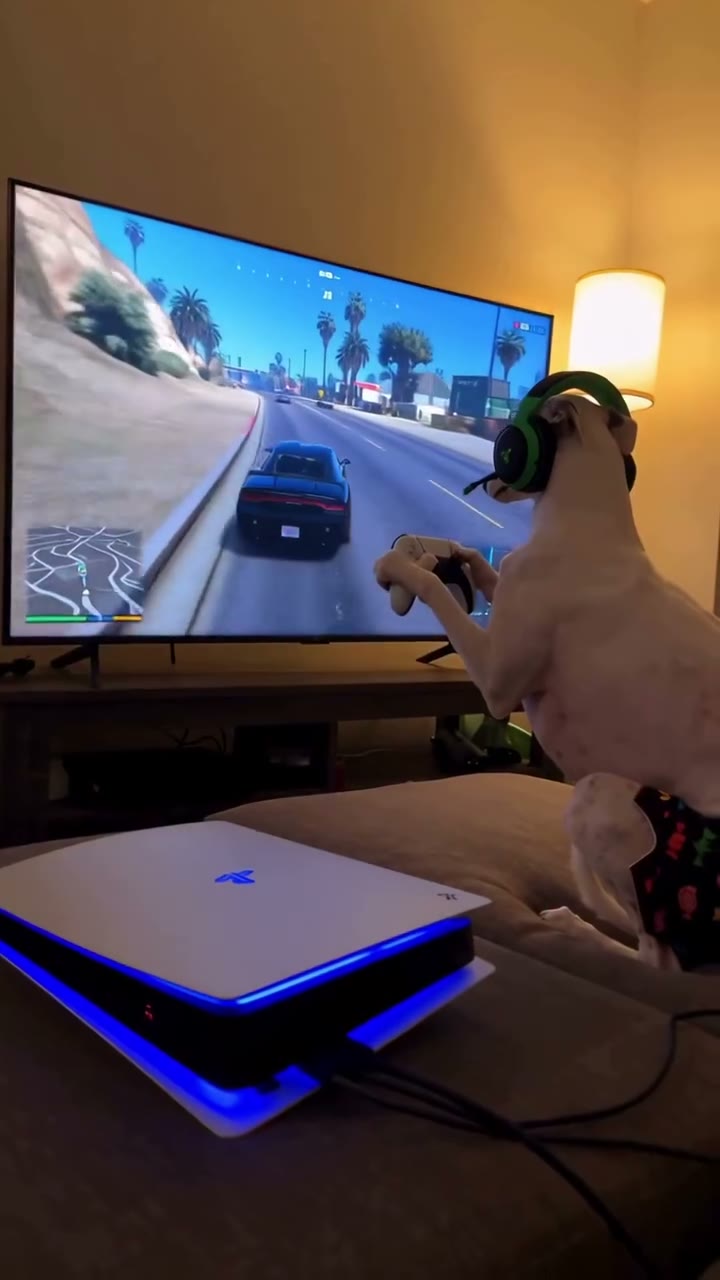
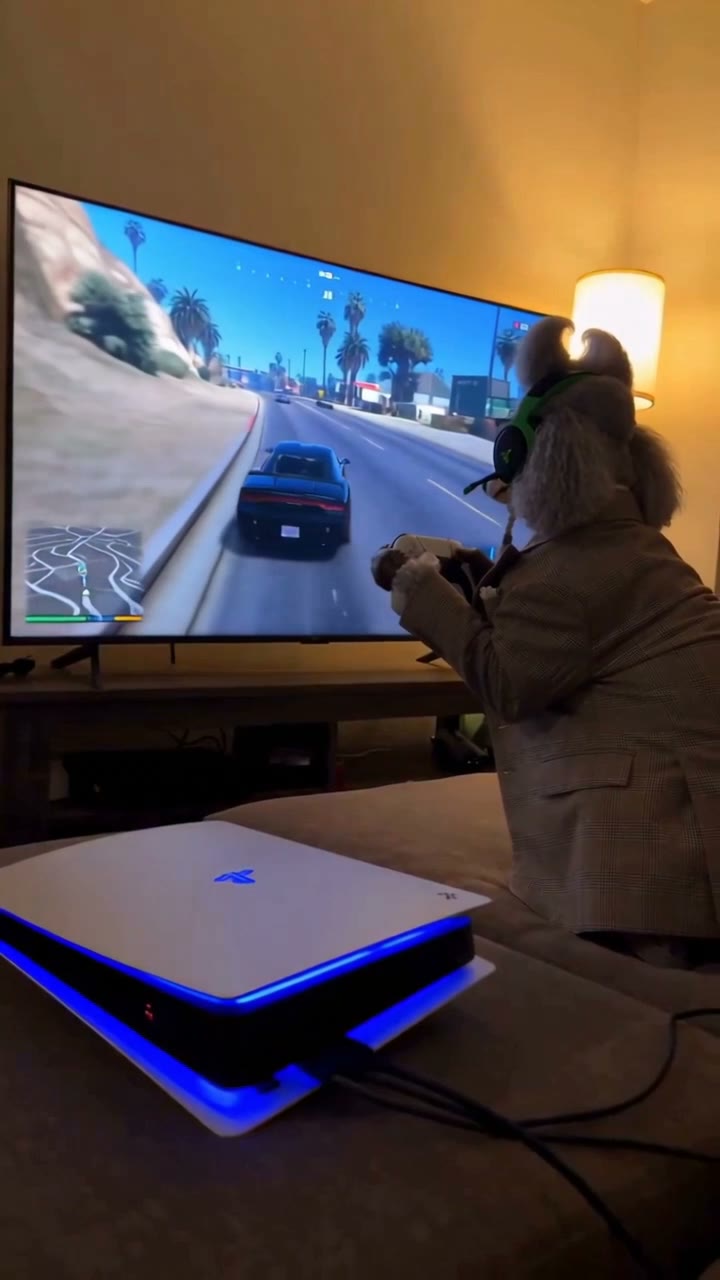
Gamer Dog AI uses a prepared gaming-room clip. A dog sits at the television with a controller and headset; when the screen switches off, the pet turns around, removes the headset and stands. Upload one pet photo to guide the animal in that fictional sequence. The room, equipment and camera follow the reference.

Gamer Dog AI reference

How to make a Gamer Dog AI video

Cast your pet in a gaming-room reaction with one animal photo.

  1. STEP 1

    Pick a pet photo

    Upload one clear image of the animal you want in the chair.

  2. STEP 2

    Preview the game-room scene

    Review the supplied motion, selected mode and credit estimate.

  3. STEP 3

    Check the reaction

    Watch the turn, paws, headset and sound after generation.

Gamer Dog AI

Cast your pet in a gaming-room reaction with one animal photo.

Choose the player

Select a clear pet image that shows the face, ears and distinctive coat. A view that includes the body can help for the wide shots. The source shows the dog from behind before the reaction, so watch the complete preview to understand when the face is visible. Paws, markings and the fit of the headset can vary in the output.
Choose the player

Understand the gaming setting

The screen, console and controller belong to the supplied footage. You cannot select a different game from this template. People searching for Dog Playing GTA AI can use it as a gaming-themed pet reaction; it creates a video effect and does not produce interactive gameplay or claim any game-publisher affiliation.

Gamer Dog AI reference

Review the short reaction

The reference is about ten seconds long. Check the selected mode and the estimate shown in the workspace, then review the change on the television, the turn toward the camera and the headset removal. Audio restoration is attempted from the source; listen to the final file and check any rights before sharing.

Gamer Dog AI example

Gamer Dog AI questions

Put a familiar pet in the player’s seat and review the result.

What does Gamer Dog AI need?

One pet photo is required; the gaming-room video is supplied by the preset.

Does the pet actually play a game?

The output is a generated video following the reference. It is not interactive gameplay.

Can I select GTA on the television?

The screen content follows the prepared clip and is not independently selectable.

How long is the source?

It is approximately ten seconds long, with the interface showing a rounded duration.

Can the animal look different between shots?

Yes. The uploaded image guides appearance, but generated markings and details may vary.

Create with Gamer Dog AI

Put a familiar pet in the player’s seat and review the result.

Gamer Dog AI