Create a video

Required photos1
Settings
Mode
Video length15s
Resolution

Dog Doorbell AI

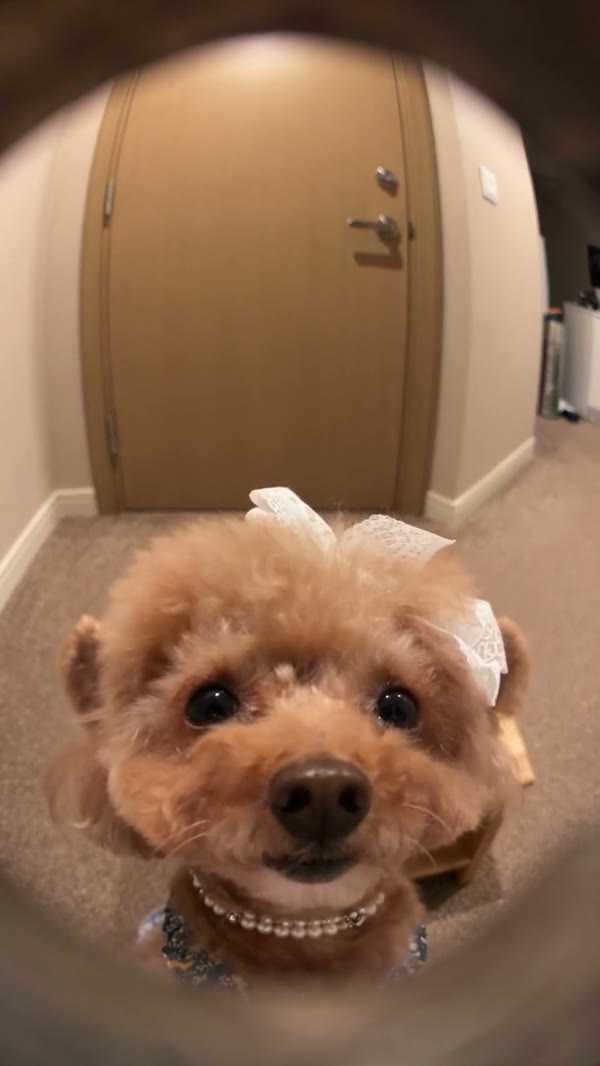
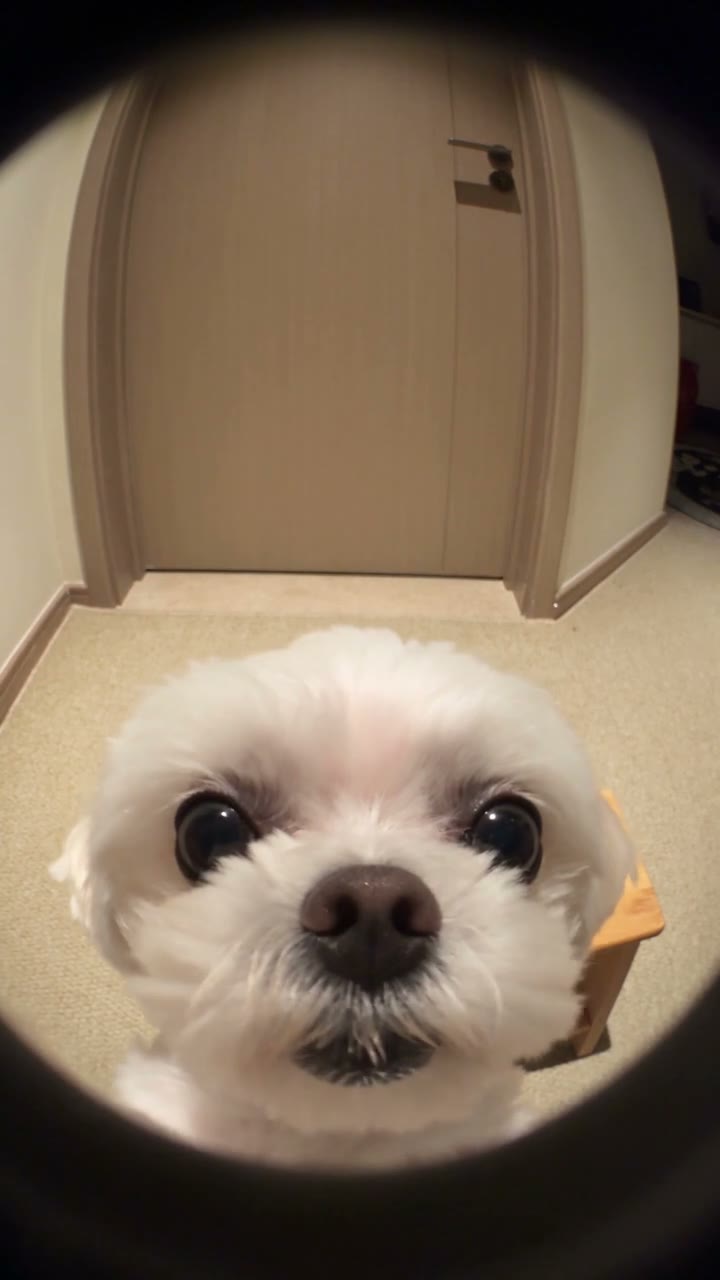
Give a pet photo a playful Dog Doorbell AI close-up at a wide-angle doorway.

0:00 / —:—
0:00 / —:—

Dog Doorbell AI video ideas

Explore examples of this effect. Open a video for a closer look.

What happens in Dog Doorbell AI?

In Dog Doorbell AI, dog Doorbell AI starts with a pet close to a doorbell-style camera. The animal moves away toward a small wooden stool, climbs onto it and approaches the lens again. Upload one pet image to guide the featured animal while the reference supplies the doorway, furniture and motion. The rounded close perspective and the action are prepared in advance.

Prepared reference for Dog Doorbell AI

How to create a Dog Doorbell AI video

Preview Dog Doorbell AI and review the settings before generating.

  1. STEP 1

    Preview the doorway

    Watch how the pet moves between the lens and stool.

  2. STEP 2

    Choose your pet

    Upload a clear photo showing one animal’s face and coat.

  3. STEP 3

    Generate and inspect

    Review the estimate and play the completed clip with sound.

Preview Dog Doorbell AI

Community-made examples and reference frames; results vary.

Choose a clear photo of your pet

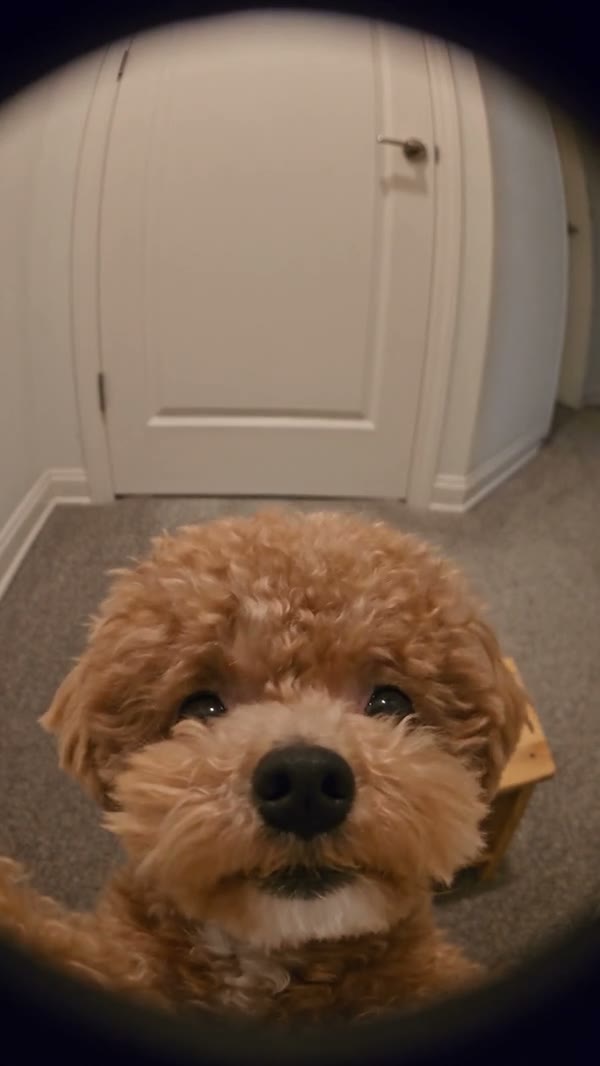
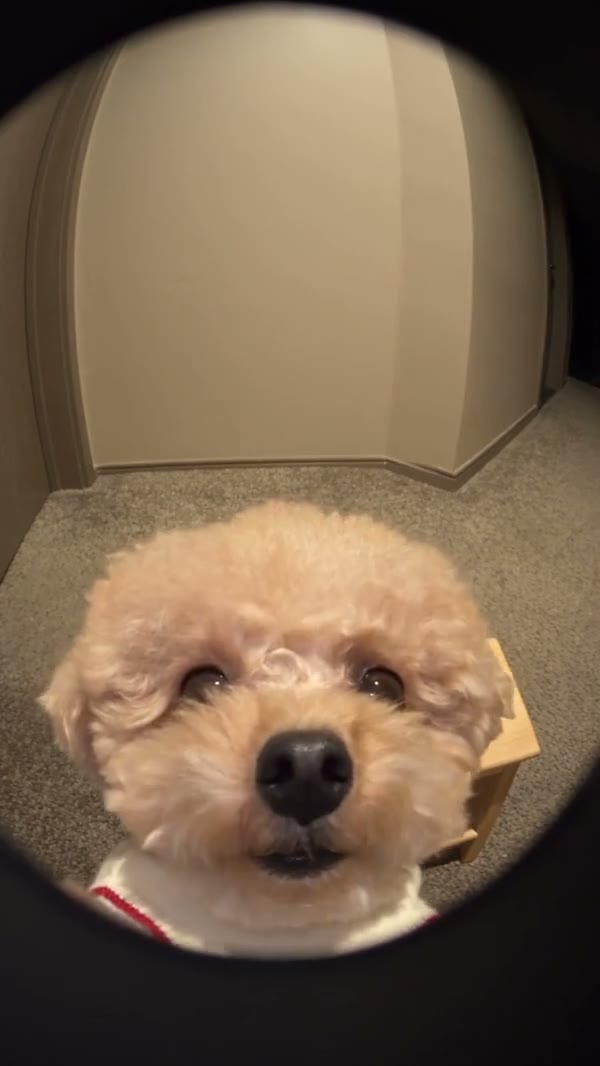
For Dog Doorbell AI, pick a bright photo showing one recognizable pet, ideally with visible eyes, ears, muzzle and distinctive markings. A view of the body can help for the moment farther from the camera. The source action features a small dog; another pet can be attempted, but different proportions may be interpreted less predictably. The generator must infer expressions and angles absent from the still picture.
Choose a clear photo of your pet

Check the close-up and stool

For Dog Doorbell AI, check the face both close to the lens and beside the stool, then look for shifts in coat markings and body shape. Paws and the edges of furniture can change when they overlap. Play the entire Dog Doorbell AI result before deciding whether it works for your pet introduction or short-form edit. The source soundtrack is restored on a best-effort basis, so listen to the actual file.

Check the close-up and stool

Use the prepared doorway scene

In Dog Doorbell AI, the full reference runs just over 15 seconds and Original uses Genjutsu. Economy and Standard use an approximately 14.9-second selection with different settings. The door, stool and camera are fixed by the prepared scene, without independent object or location fields. The displayed duration is rounded. Check the current credit estimate and make sure you have permission to use the photo and any audio you share.

Use the prepared doorway scene

Dog Doorbell AI FAQ

Answers about this prepared scene.

What is Dog Doorbell AI?

Dog Doorbell AI animates a prepared doorway sequence with a pet guided by one photo. The animal moves between a doorbell-like lens and a small stool.

Do I need to film the doorway?

No. The camera perspective, doorway, stool and action are already supplied by the reference. The required input is a pet photo.

Can I try a cat?

Another pet can be tried. The reference features a small dog, so the generated pose and proportions may be less predictable with a different animal.

Which pet photo should I use?

Choose one well-lit image with visible face and coat markings. A wider view can provide context for body shape when the subject moves back from the lens.

Can I replace the stool?

The stool follows the prepared scene. This page has no separate furniture or location upload.

What does Original use?

Original uses Genjutsu and the complete source just over 15 seconds long. Economy and Standard use an approximately 14.9-second selection.

Is the sound guaranteed?

Reference audio restoration is attempted after visual generation. Play the actual video to check whether sound and timing meet your needs.

Where can I see my result?

Open My creations in the account that submitted the task. Inspect both the close-up and the movement at the stool before downloading.

Why does Dog Doorbell AI use a wide-angle view?

The prepared Dog Doorbell AI reference simulates a close doorway-camera perspective. As the pet moves toward the lens, its face may appear larger in the frame. The model can also reinterpret features during this movement.

Can I make a Dog Doorbell AI introduction?

A completed Dog Doorbell AI video can serve as a short pet introduction or a moment in a longer edit. Check the actual appearance, sound and framing first, and use only images and audio you are permitted to share.

How can I improve a Dog Doorbell AI input?

Try an evenly lit Dog Doorbell AI photo with one prominent animal and visible face and coat. Include more of the body when possible. The source motion comes from a small dog, so other sizes and species can produce different poses.

Can I compare Dog Doorbell AI modes?

Preview the available Dog Doorbell AI references and look at the displayed mode and estimate. Original uses the full source; the shorter modes use a prepared selection. A new submitted result can require additional credits.

Where is my result?

Sign in to the account used for generation and open My creations. The reference player does not show your personal result.

Create Dog Doorbell AI

Add one pet photo and preview the little doorway scene.

Dog Doorbell AI