
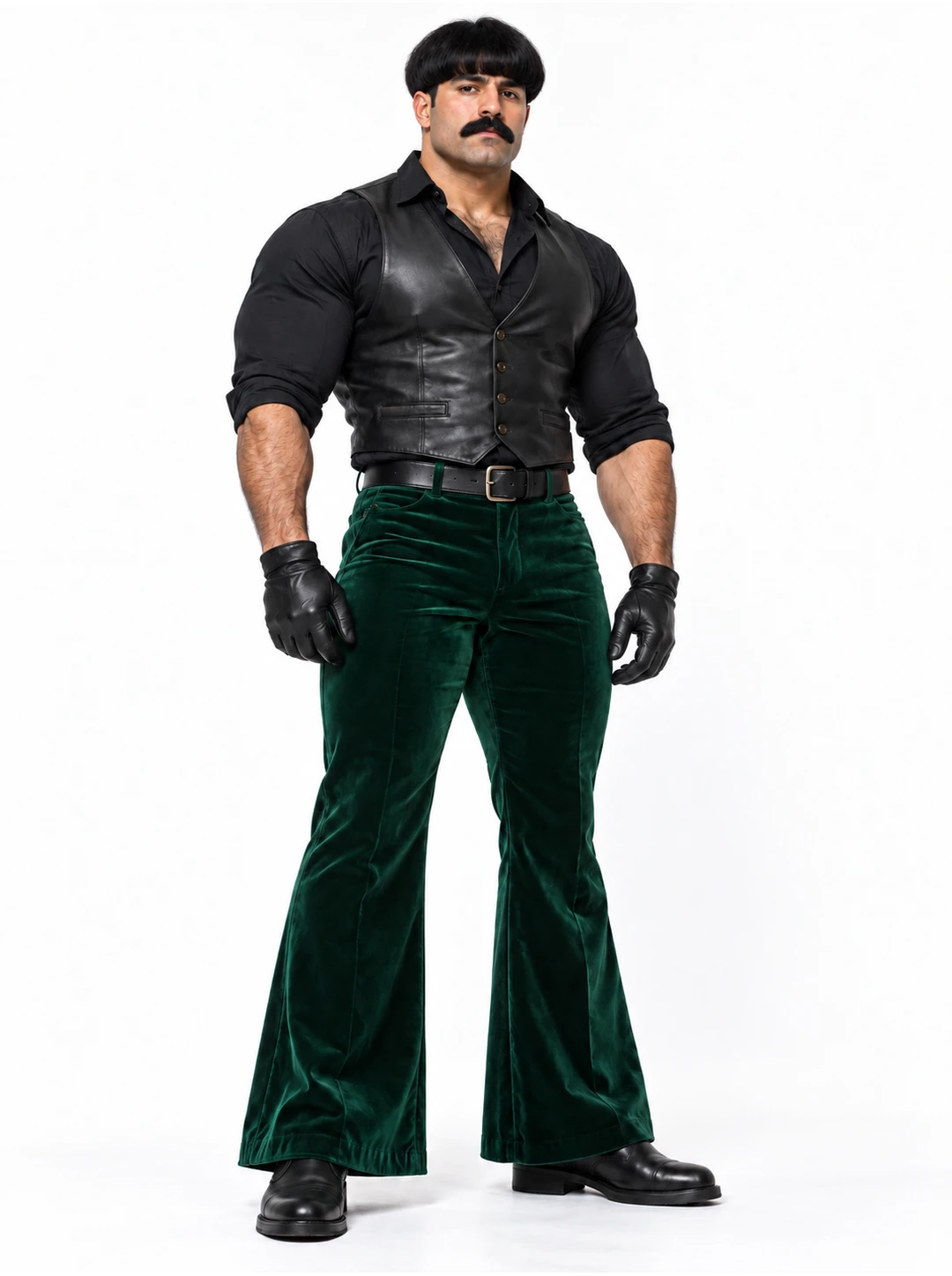
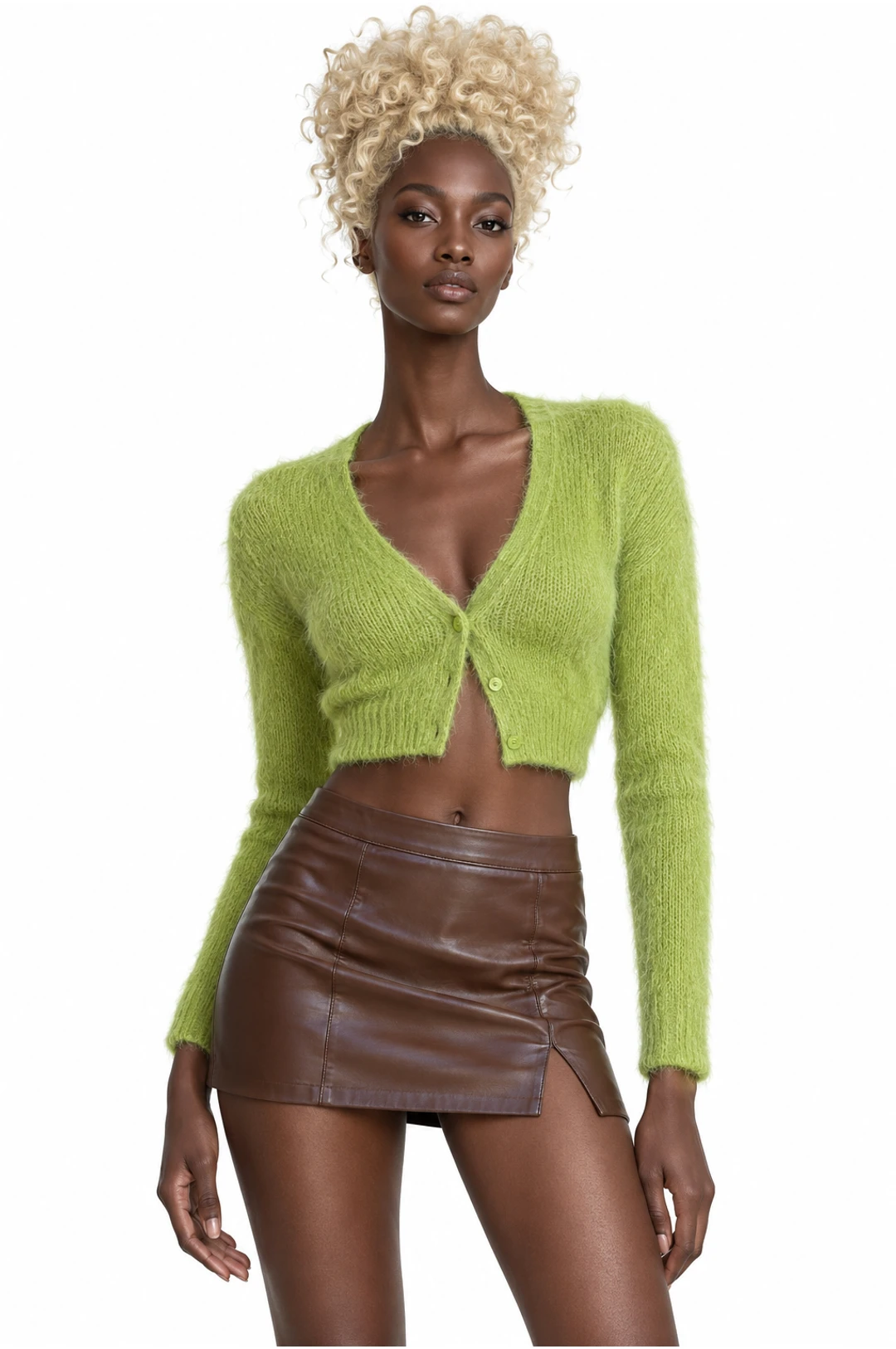
01
Feature one dancer
Start with a solo whose camera keeps the performer visible. The AI dance generator preview shows the routine before you supply a portrait.
Pick a routine, add photos for the indicated roles and review your settings before creating.
Creations from this workspace appear here.
An AI dance generator uses a prepared performance as a starting point for a new character video. Browse the dance collection to compare solo, group and pet-compatible scenes. The preview shows the routine and camera framing before you add a photo. Each dance has its own role requirements. A wide, clear image can show the dancer’s outfit and body position, while multiple roles may need separate photos. Review the selected template and estimate before generating, then watch the finished routine in full. Explore AI motion transfer with your own dance reference.
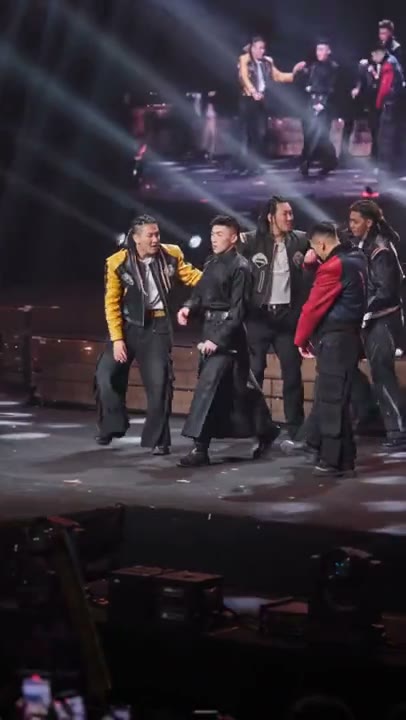
Choose a dance template, upload your photos, and generate a video. Previewing and loading a template does not submit a generation or spend credits.
Step 1
Preview the routine, including its ending. Choose an AI dance generator template whose number of roles matches the people or subjects you want to use.
Step 2
Add a clear photo for every required dancer. Check any optional role, available settings and credit estimate in the workspace.
Step 3
Generate from your account and review the face, hands, feet and timing throughout the result. Listen to the soundtrack before downloading or sharing.
The AI dance generator offers prepared routines with different subjects and framing.
01
Start with a solo whose camera keeps the performer visible. The AI dance generator preview shows the routine before you supply a portrait.
02
For a group performance, read the roles in the AI dance generator workspace. Prepare a separate, authorized image for each required dancer.
03
Look for a routine made for animals. A clear pet photo helps the AI dance generator interpret the animal’s appearance during the action.
These prepared examples show different routines; each AI dance generator result depends on the selected images and mode.
01
A solo puts the focus on one subject. Choose a routine with readable movement, then review face, outfit and foot placement throughout the AI dance generator result.
02
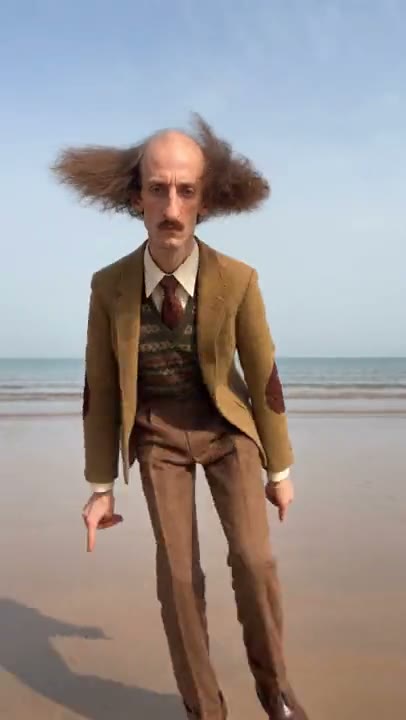
The AI dance generator can load group scenes with different photo requirements. A visible background dancer does not necessarily have a separate upload slot.
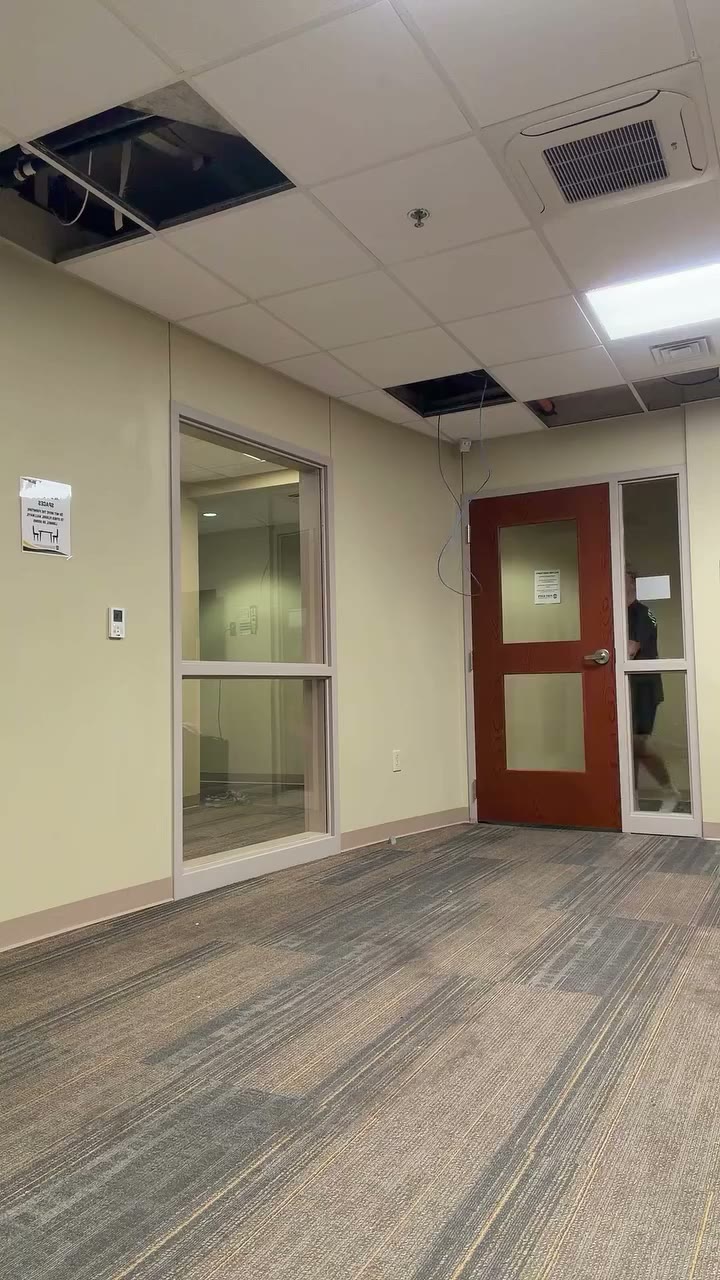
03
Use a pet-compatible routine when the subject is an animal. Check the chosen AI dance generator template for its supported role and inspect the paws and body in motion.
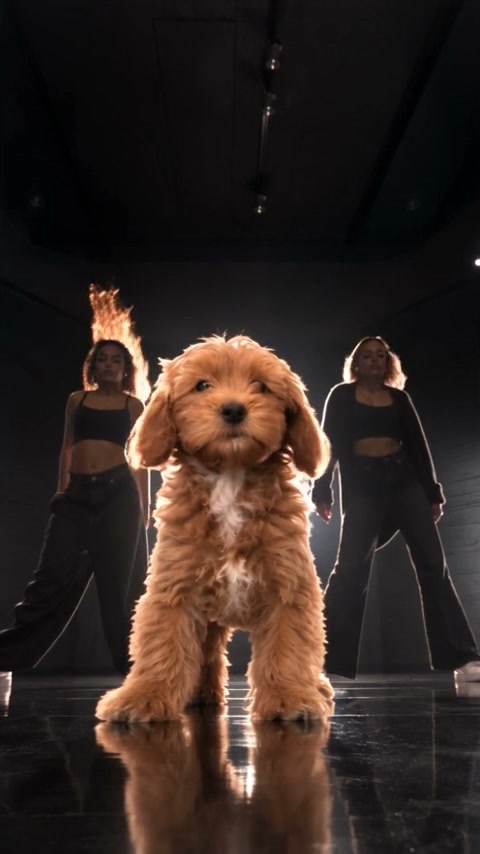
Give the AI dance generator enough visible information for the framing of the performance.
For a full-body AI dance generator scene, choose a well-lit photo that includes face, hands, legs and shoes, with room around the subject.
Better fit
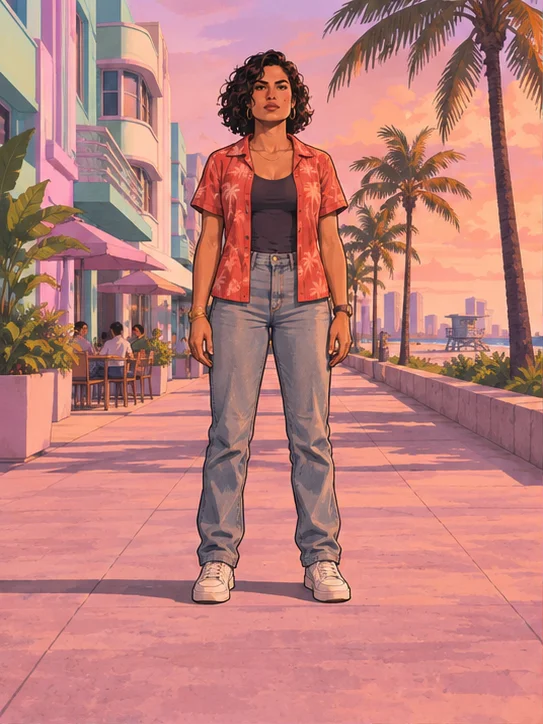
Harder to use
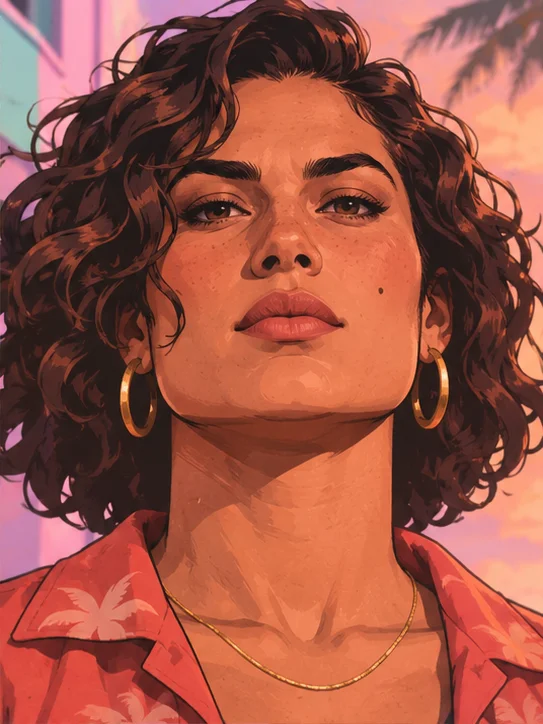
For a custom AI dance generator reference, choose a clear subject whose moving arms and legs remain visible throughout the clip.
Better fit
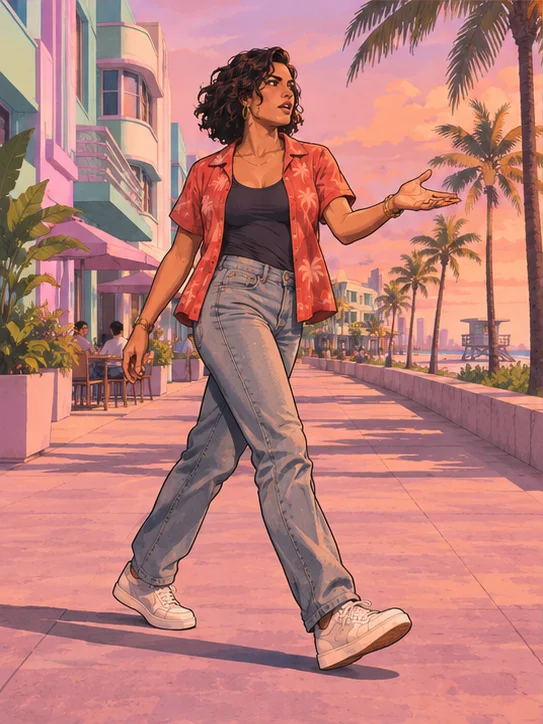
Harder to use
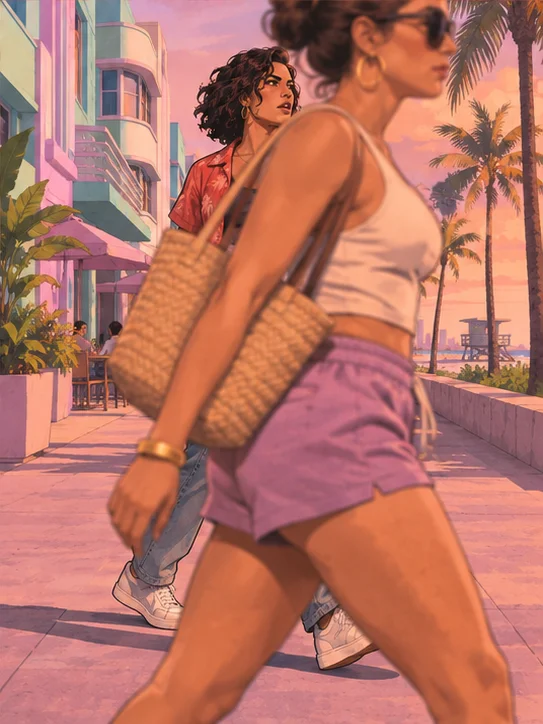
Use images you have permission to animate. Check pet compatibility, clothing and any objects that cover the subject before submitting.
Compare the cast, camera and audio in an AI dance generator reference before you create.
Watch from the first pose to the ending. Fast turns, overlapping dancers and objects in front of the body can make a performance harder to evaluate. Pick an AI dance generator scene that fits the photos you can provide, and inspect the same moments in the completed clip.
Sound behavior varies between the AI dance generator models and templates. Some scenes attempt to restore reference audio, which can fail. Listen to the result, check the selected roles and review your rights to the photos and soundtrack before sharing.
What to know before you create.
A prepared template supplies the reference performance. You provide the photos requested for its roles and choose the available settings. Different AI dance generator scenes can have different numbers of required subjects.
For a full-body routine, an image showing the face, arms, legs and shoes gives the model more appearance information than a close crop. Leave room around the dancer and choose an unobstructed, well-lit photo.
Some AI dance generator templates support multiple roles. Load the scene and use the labeled slots to see which photos are required or optional. A group visible in the preview does not mean every person has an editable role.
Browse for a pet-compatible scene and provide a clear animal photo for the indicated role. Check that the body and features relevant to the motion are visible; inspect paws and body movement in the finished clip.
No. The AI dance generator preview is a prepared example of the routine. Your own video appears after submitting a generation and can differ in identity, timing, clothing and details.
A compatible video model can accept a user-supplied reference instead of a prepared dance. Exit the selected template and check the model’s file and duration limits. Use footage you are permitted to upload.
Sound depends on the chosen template and model. Some prepared scenes attempt to restore reference audio, which can fail. Listen to the completed video and review the rights to the soundtrack before publishing.
Fast movement, occlusion and tight crops can make small body parts difficult to keep consistent. Compare the complete result with the preview and try a clearer image or a less obstructed routine if needed.
The workspace shows an estimate for the selected AI dance generator model and settings. Check the amount and your balance before submitting; an additional attempt may use more credits.
Open My creations or the history associated with the account that submitted the task. Review the complete routine and audio before downloading.
Pick a routine, add photos for the indicated roles and review your settings before creating.