Create a video

Required photos1
Settings
Mode
Video length14s
Resolution

GTA 6 Night Drive AI

Turn one portrait into a neon-lit convertible ride with the GTA 6 Night Drive AI video generator.

0:00 / —:—
0:00 / —:—

GTA 6 Night Drive AI video ideas

Explore examples of this effect. Open a video for a closer look.

What is GTA 6 Night Drive AI?

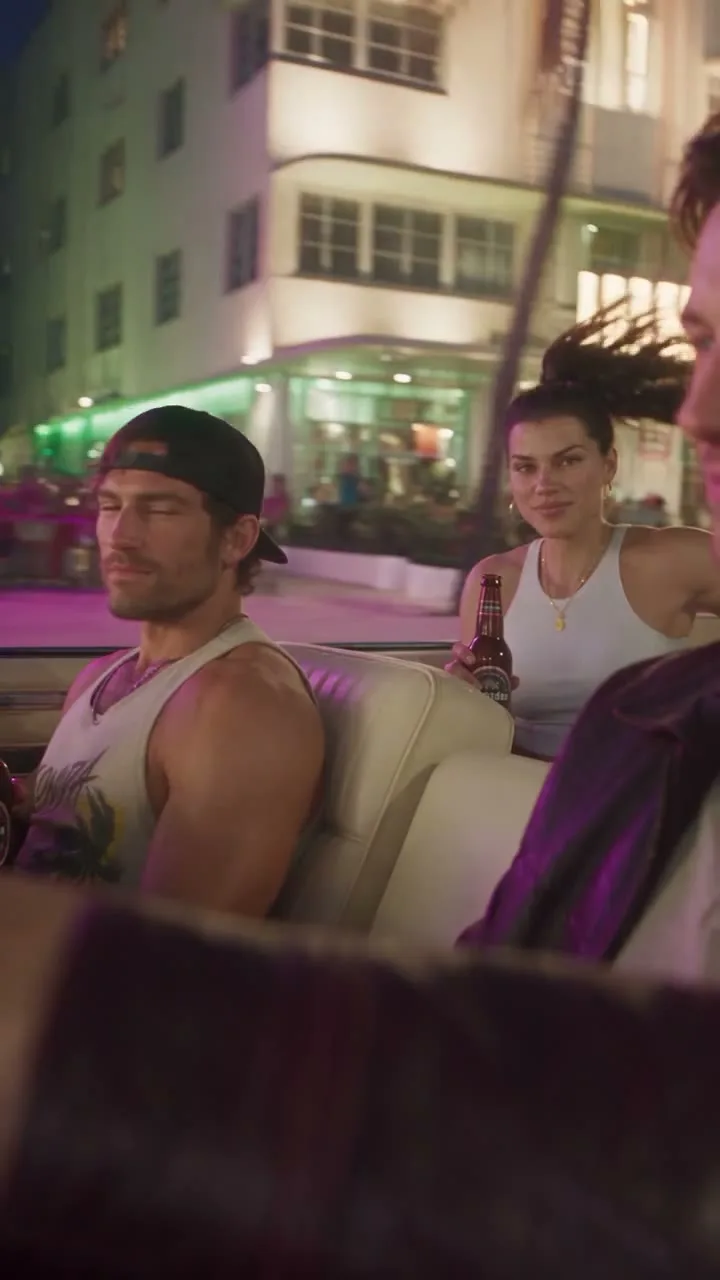
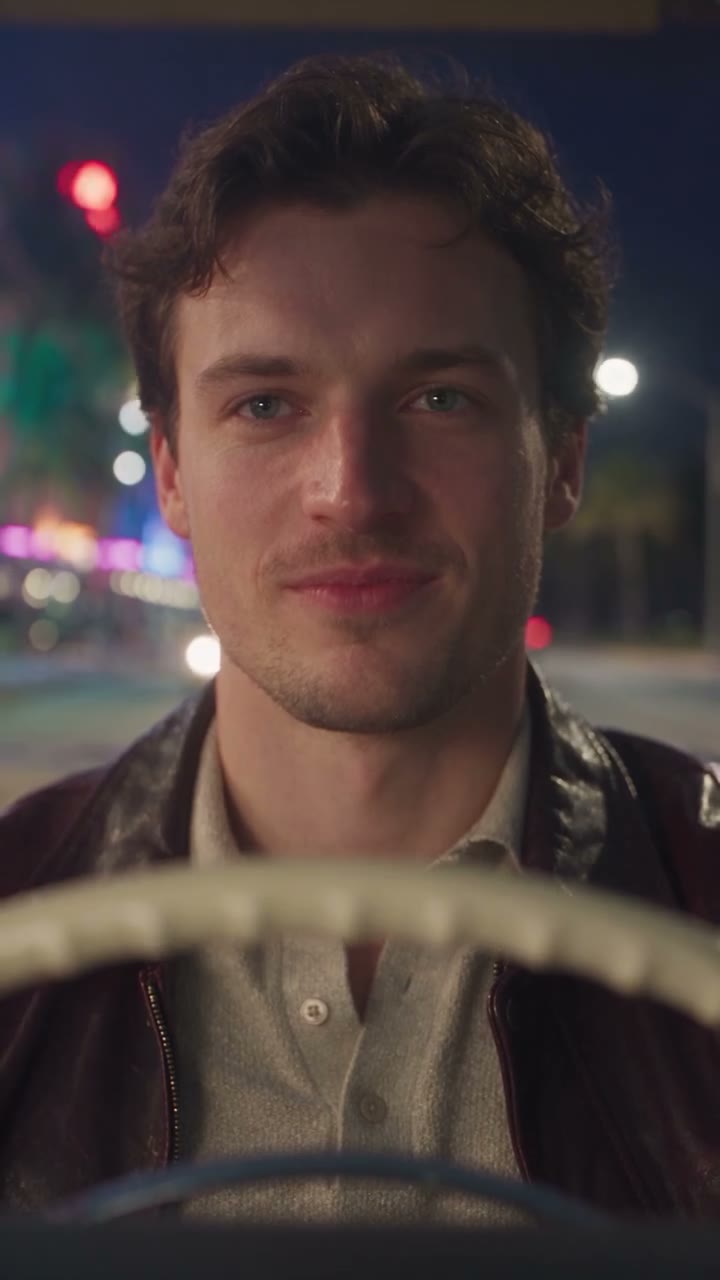
In GTA 6 Night Drive AI, the scene follows a black convertible through a city after dark. The camera moves between the driver, two passengers, the steering wheel and an exterior view of the car. One uploaded portrait guides the driver while the reference supplies the journey, lighting and sequence of shots. The result is a fictional, game-inspired video rather than an interactive driving experience.

Prepared reference for GTA 6 Night Drive AI

How to create your GTA 6 Night Drive AI video

Preview GTA 6 Night Drive AI and review the settings before generating.

  1. STEP 1

    Watch the night drive

    Play the full scene and choose Economy, Standard or Original.

  2. STEP 2

    Add the driver

    Upload one clear portrait for the person behind the wheel.

  3. STEP 3

    Generate and review

    Check the estimate, create the video and watch the finished ride with sound.

Preview GTA 6 Night Drive AI

Explore the driver, the ride and the details to check in your result.

Bring a driver into the neon-lit ride

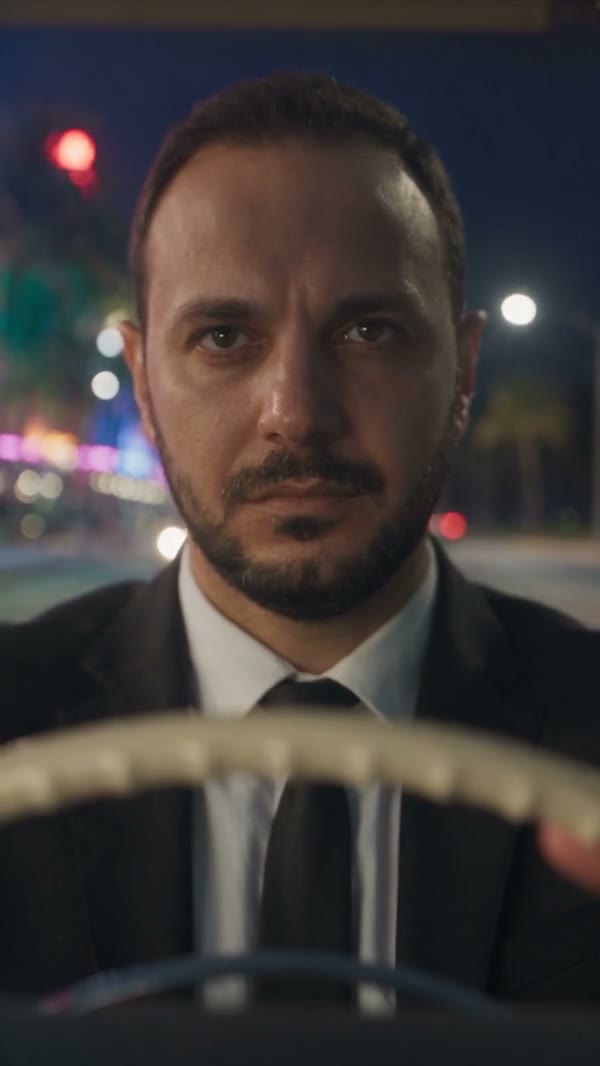
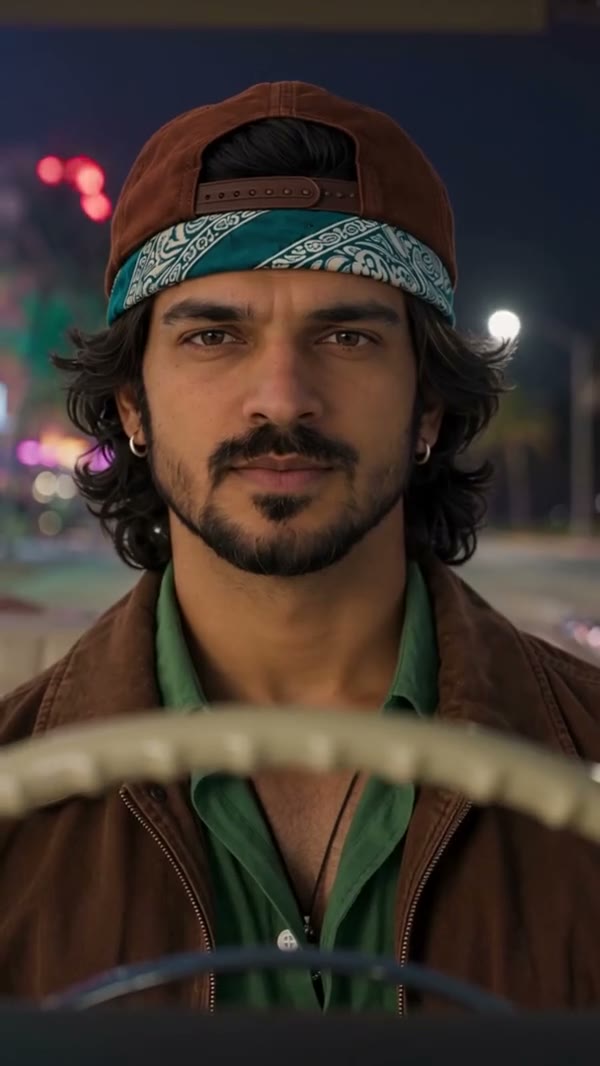
For GTA 6 Night Drive AI, a single photo chooses the person behind the wheel. Use a recognizable face with visible hair and enough of the upper body to suggest clothing. The model must infer views and movement that the still image does not contain, so a clear portrait gives it a useful starting point without guaranteeing an exact likeness. The passengers remain part of the prepared scene and do not have their own image fields.
Bring a driver into the neon-lit ride

Follow the route from cabin to street

For GTA 6 Night Drive AI, the camera changes from close views inside the car to a wider view on the street. Watch the driver during each transition and check the hands near the steering wheel, the seats and the two passengers. Compare the face, hair and clothing across the clip rather than judging only the opening frame. Small objects, reflections and character details can shift during generation.

Follow the route from cabin to street

Work with the complete night-drive scene

In GTA 6 Night Drive AI, the approximately 14.4-second vertical reference provides the route, car, other riders and camera cuts. Economy, Standard and Original use that same complete scene with different generation settings. There is no separate field for choosing a vehicle, adding a passenger or drawing a route. The workflow attempts to restore the reference audio after silent generation; check the finished result and the permissions relevant to your intended use.

The passengers and driver ride together in the reference scene

GTA 6 Night Drive AI FAQ

Answers about this prepared scene.

What does GTA 6 Night Drive AI create?

GTA 6 Night Drive AI creates a short, portrait-format video around a prepared nighttime drive. A person from your photo is assigned to the driver while a black convertible travels through a lit city street. The camera shows the people inside the car and then the vehicle from outside. The clip is a fictional AI interpretation, so the finished appearance and small details can differ from the preview.

Who drives in GTA 6 Night Drive AI?

The single required photo in GTA 6 Night Drive AI guides the driver of the convertible. Choose the person you want to appear at the wheel, with a face that can be clearly recognized. The other two riders are already in the prepared scene. They do not receive their own photo assignments, and uploading a group picture does not turn this template into a multi-person casting form.

What portrait works for GTA 6 Night Drive AI?

For GTA 6 Night Drive AI, use an evenly lit image that shows one face, hair and some upper-body clothing. A very small subject or heavy obstruction leaves less information for the model to interpret. The video contains close views and a wider group shot, so check whether the chosen photo conveys the details you care about. A clearer image helps guide the character but cannot promise frame-by-frame accuracy.

Can GTA 6 Night Drive AI change the car or passengers?

The car and two passengers follow the GTA 6 Night Drive AI reference. This page has no independent car upload, passenger slots or control for their seating positions. Their appearance can still vary in a generated result. If choosing the vehicle is essential, compare a different workflow that explicitly offers a car input; this particular scene is organized around one driver photo.

How long is a GTA 6 Night Drive AI video?

The GTA 6 Night Drive AI reference lasts approximately 14.4 seconds and uses vertical framing. Economy and Standard display a 15-second duration, while Original displays 14 seconds for the full reference. All three start from the same complete drive. A result can vary slightly, so inspect the actual beginning and ending when the task completes instead of relying on the rounded label alone.

Which GTA 6 Night Drive AI mode should I choose?

The GTA 6 Night Drive AI modes use different generation settings and can show different credit estimates. Since the source is shorter than the short-reference limit, their prepared visual sequence is the same. Select Economy, Standard or Original in the form and review the displayed estimate before submitting. Switching settings or watching the preview does not itself create a paid generation.

What should I check in GTA 6 Night Drive AI close-ups?

When GTA 6 Night Drive AI is ready, pause where the driver looks toward the other riders and again at the wheel. Compare the face, hairstyle and visible clothing with the uploaded photo. Motion models infer different angles and may alter hands or expressions, especially when a person is partially obscured. A later view can look different from the first, making a full playback more informative than a thumbnail.

Can GTA 6 Night Drive AI change the street or camera?

GTA 6 Night Drive AI follows the prepared location, viewpoint and timing. The form does not offer an editable street map, camera path or alternate lighting selection. Use the preview to decide whether the existing city ride fits your idea. For a custom route or a different movement, explore a compatible general video workflow that accepts your own supported inputs and settings.

Does GTA 6 Night Drive AI restore the soundtrack?

The reference for GTA 6 Night Drive AI contains an audio track. The workflow generates the visual portion silently and then attempts to restore that source sound. Audio restoration and synchronization can vary, so listen to the completed file from start to finish. Before sharing, check the rights you need for both the portrait and any sound included in your result.

Is GTA 6 Night Drive AI official GTA gameplay?

GTA 6 Night Drive AI is an independent, fan-inspired video tool. It does not let you steer a game character, install a game or access official game footage. The site is not affiliated with or endorsed by Rockstar Games or the owners of Grand Theft Auto. Describe the result as AI-generated media when sharing it so viewers understand the kind of content they are seeing.

Can I use someone else’s photo?

Use a portrait you have permission to upload for GTA 6 Night Drive AI and obtain any consent required from the person pictured. The driver is the only role controlled by the photo; other people follow the prepared scene. Review the finished video and the accompanying sound before sharing it, and make sure your intended use respects the applicable rights.

Where is my result?

Sign in to the account used for generation and open My creations. The reference player does not show your personal result.

Create GTA 6 Night Drive AI

Choose a portrait, pick a mode and take the wheel.

GTA 6 Night Drive AI