
Prepare the right photo
For GTA 6 Police Chase AI Video, use one clear portrait for the rider above the car. The helmeted driver and the officers are background characters and do not receive separate photo inputs.
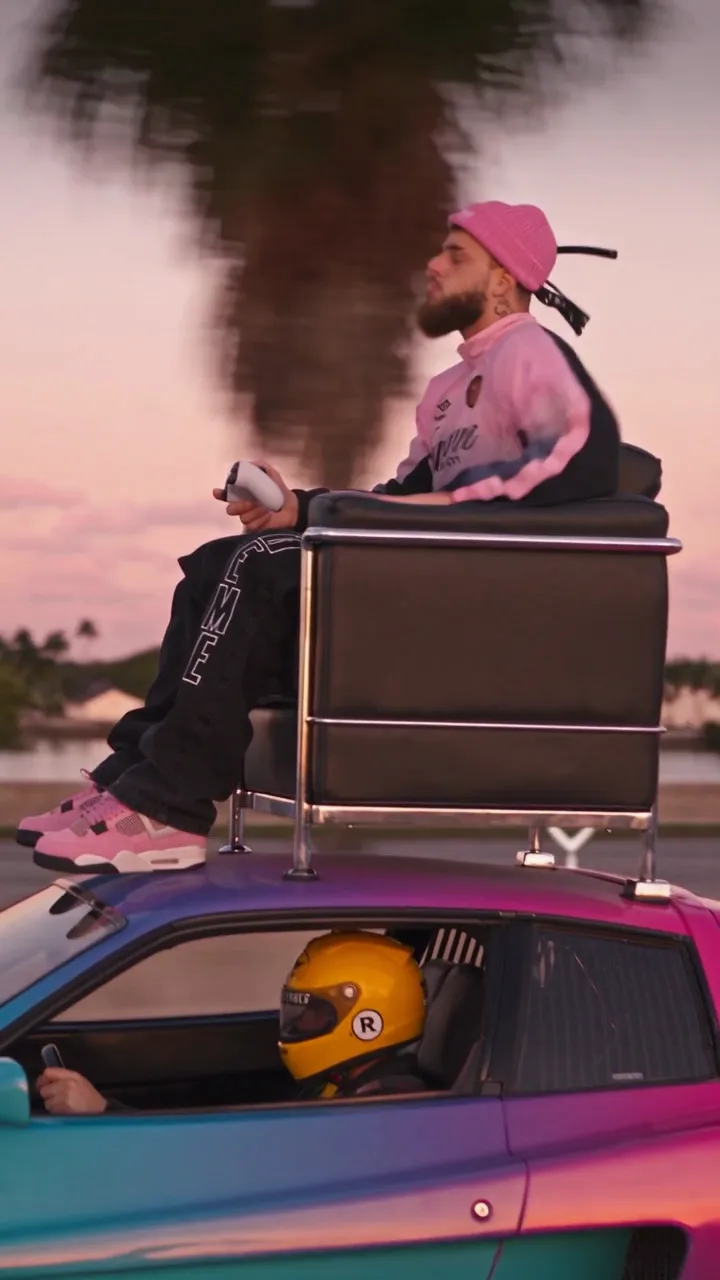
Add your portrait to a game-style rooftop chase sequence.
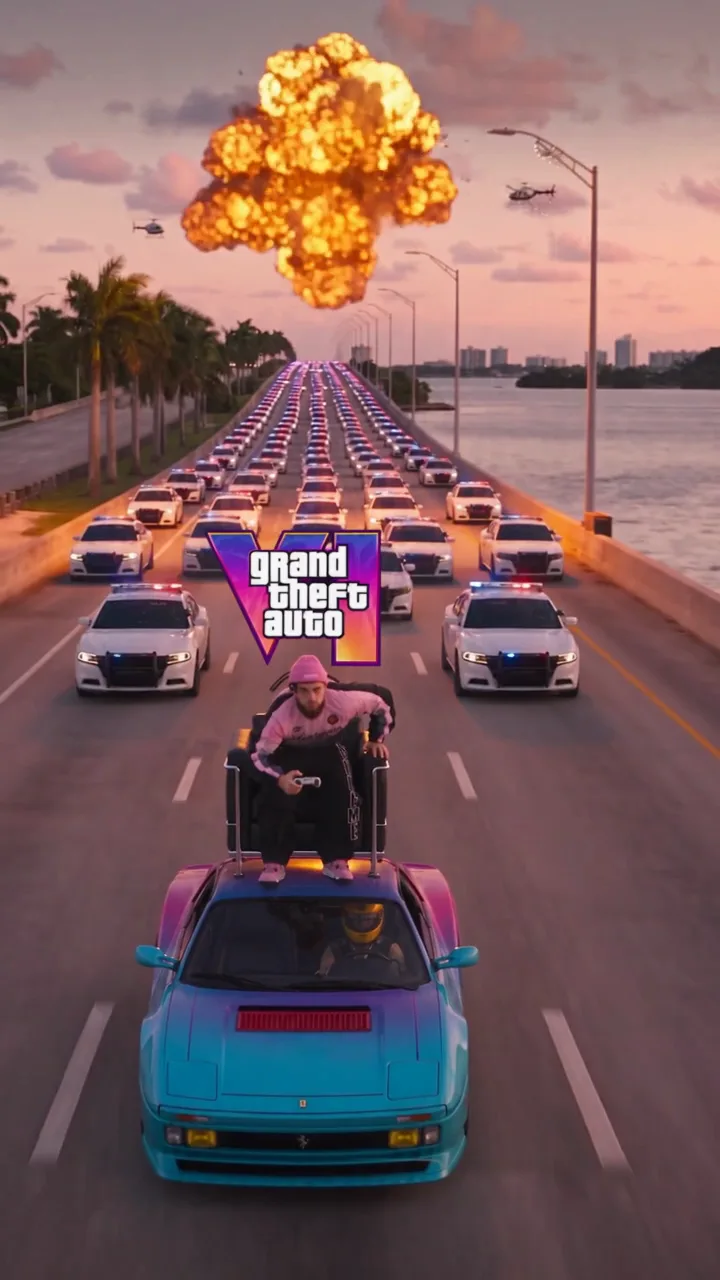
In GTA 6 Police Chase AI Video, the prepared reference places a rider in a chair on a moving car. A driver, police vehicles, helicopters and an explosion belong to the surrounding sequence.
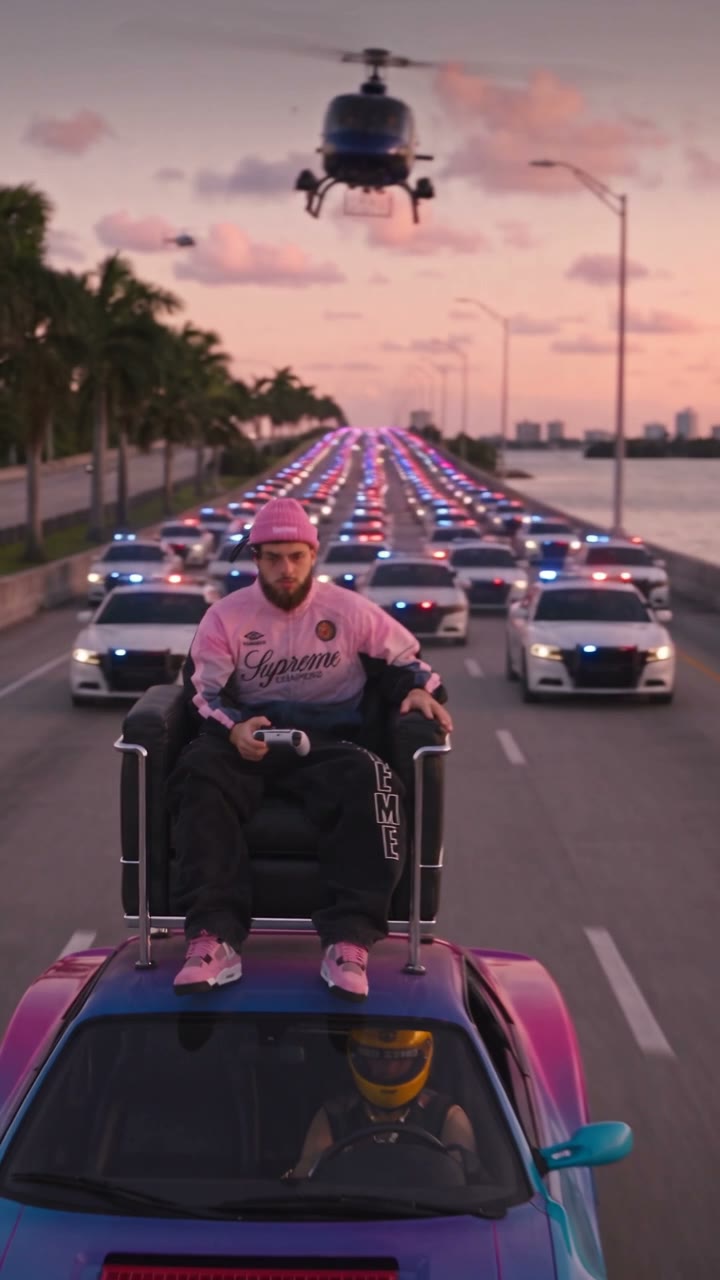
Preview GTA 6 Police Chase AI Video and review the settings before generating.
STEP 1
Play the reference and choose the version that fits your idea.
STEP 2
Upload the required photo for the displayed role and review any optional image.
STEP 3
Check the credit estimate, generate from your account, and inspect the finished video and sound.
Frames show the prepared reference; results vary.
For GTA 6 Police Chase AI Video, use one clear portrait for the rider above the car. The helmeted driver and the officers are background characters and do not receive separate photo inputs.
For GTA 6 Police Chase AI Video, check the rider’s face and clothing during camera movement, and look at the position of the chair and controller. Motion and small details may change between frames.
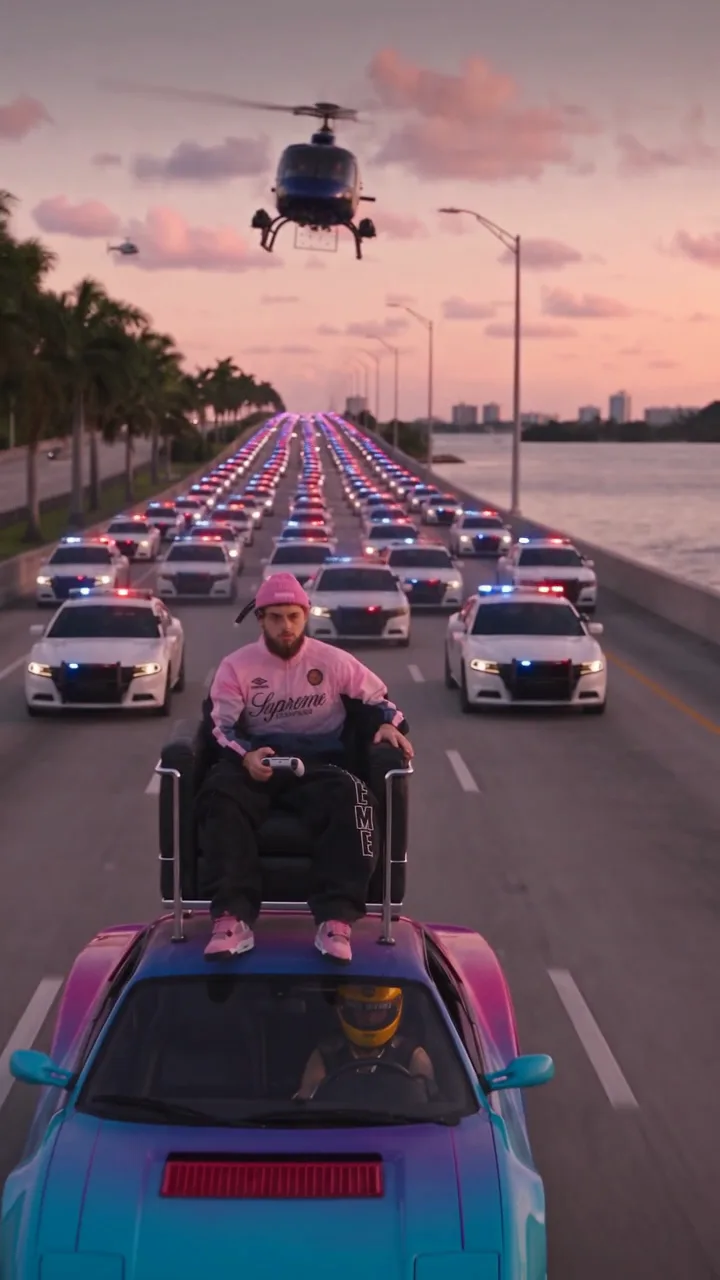
In GTA 6 Police Chase AI Video, the police chase follows the reference’s route, timing and camera. It is a fan-inspired generated video rather than a game recording controlled by the user.
Answers about this prepared scene.
GTA 6 Police Chase AI follows a prepared game-style chase in which a person sits in a chair on a moving vehicle. A driver, police vehicles, helicopters and an explosion form the surrounding action. The scene has a moving camera and a fixed sequence. Preview GTA 6 Police Chase AI before adding a portrait so you can judge how the rider is framed through the chase.
GTA 6 Police Chase AI uses one required image for the rider sitting in the chair above the car. The driver and officers are part of the prepared reference; they do not have separate portrait slots. Choose a single person whose face and clothing are recognizable. A group photo will not create additional roles in GTA 6 Police Chase AI, and small identity details can vary during fast movement.
For GTA 6 Police Chase AI, choose a well-lit portrait with a visible face, hair and distinctive clothing. A wider crop can supply context for the seated body, while a tiny face in a distant scene may be hard to interpret. Avoid hands, sunglasses or other objects covering key features. Review GTA 6 Police Chase AI at several moments as the camera moves, not only at the opening frame.
The driver, police cars, helicopters and route are set by the GTA 6 Police Chase AI reference. The page offers a role for the rider rather than independent controls for those other subjects. If you want a different camera path or vehicle, try a compatible general video model with your own supported reference. GTA 6 Police Chase AI is designed around the existing rooftop-chair sequence shown in its preview.
Play GTA 6 Police Chase AI through the camera moves and the explosion. Check that the rider remains recognizable, that the chair stays positioned on the vehicle and that hands and the seat remain plausible. Fast action, overlapping objects and changing light may introduce visual variation. A different portrait can produce another GTA 6 Police Chase AI interpretation, but no input guarantees exact geometry or continuity in every frame.
GTA 6 Police Chase AI produces a fan-inspired AI video; the chase cannot be controlled like an interactive game. Its action and framing come from prepared footage. The service is independent of Rockstar Games and Grand Theft Auto’s owners. Use the GTA 6 Police Chase AI preview to understand the scene and avoid presenting the generated result as official gameplay or an endorsed product.
The GTA 6 Police Chase AI workspace shows its available modes and estimated credits for the active selection. Watch the reference associated with the mode to see which part of the chase is included, then confirm the photo role before generating. A shorter selection may omit context from the full reference. A new GTA 6 Police Chase AI attempt can use additional credits, so compare the displayed estimate each time.
Review the complete GTA 6 Police Chase AI clip for identity changes, visual artifacts and the soundtrack. Use a portrait you are permitted to upload and consider the rights needed for the audio and destination platform. Describe the clip as fan-inspired AI media when sharing. The output of GTA 6 Police Chase AI can differ from the example, and its background characters are not controlled by extra photo inputs.
Sign in to the account used for generation and open My creations. The reference player does not show your personal result.
Add your portrait to a game-style rooftop chase sequence.