
Prepare the right photo
For Grand Theft India AI Video, use a clear photo of the person who will react next to the television. People or graphics appearing on the television remain part of the screen; they are not additional portrait roles.
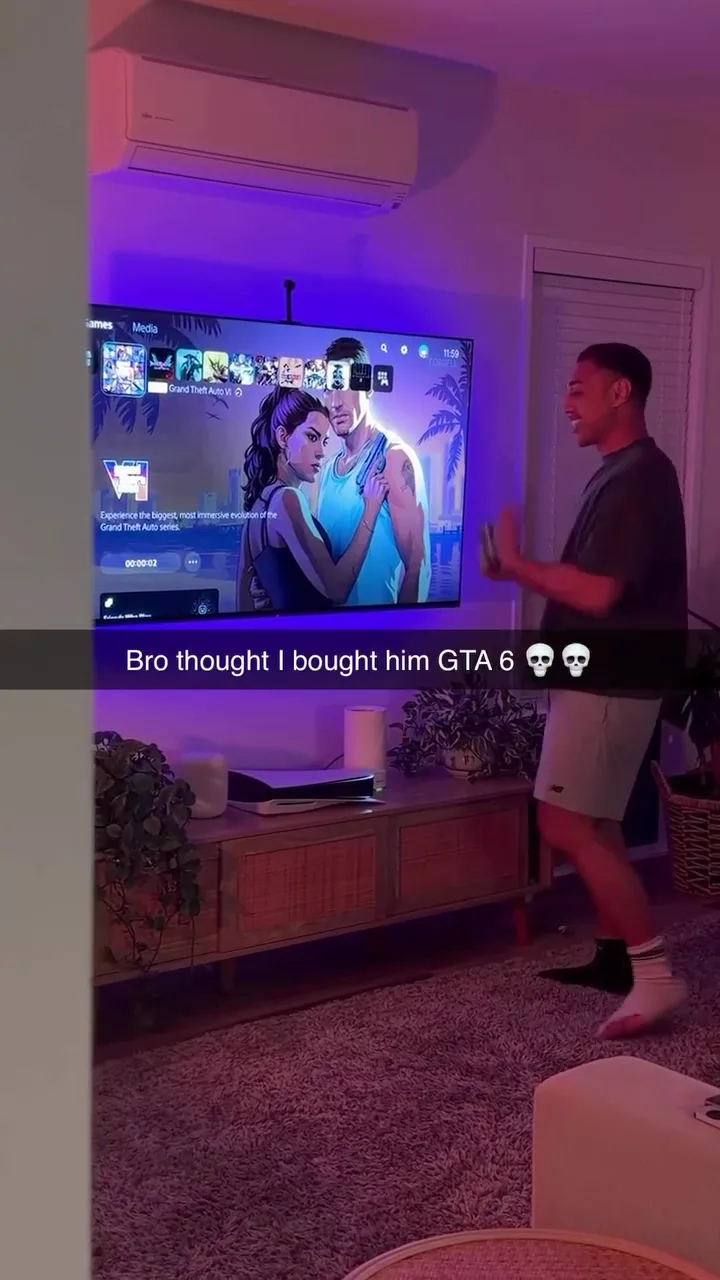
Put your portrait into a living-room game-reaction prank.
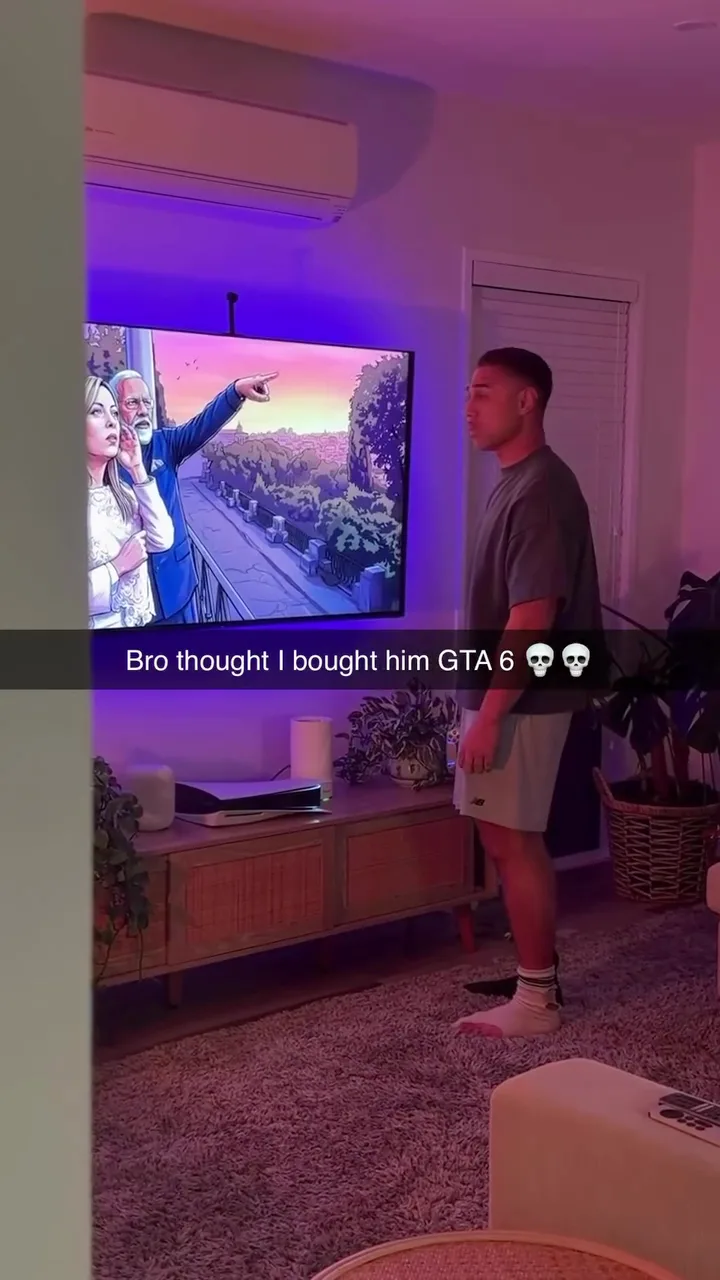
In Grand Theft India AI Video, the source follows a person beside a television through a reaction, turn and final movement. The room, controller, screen changes and existing on-screen caption belong to the prepared scene.
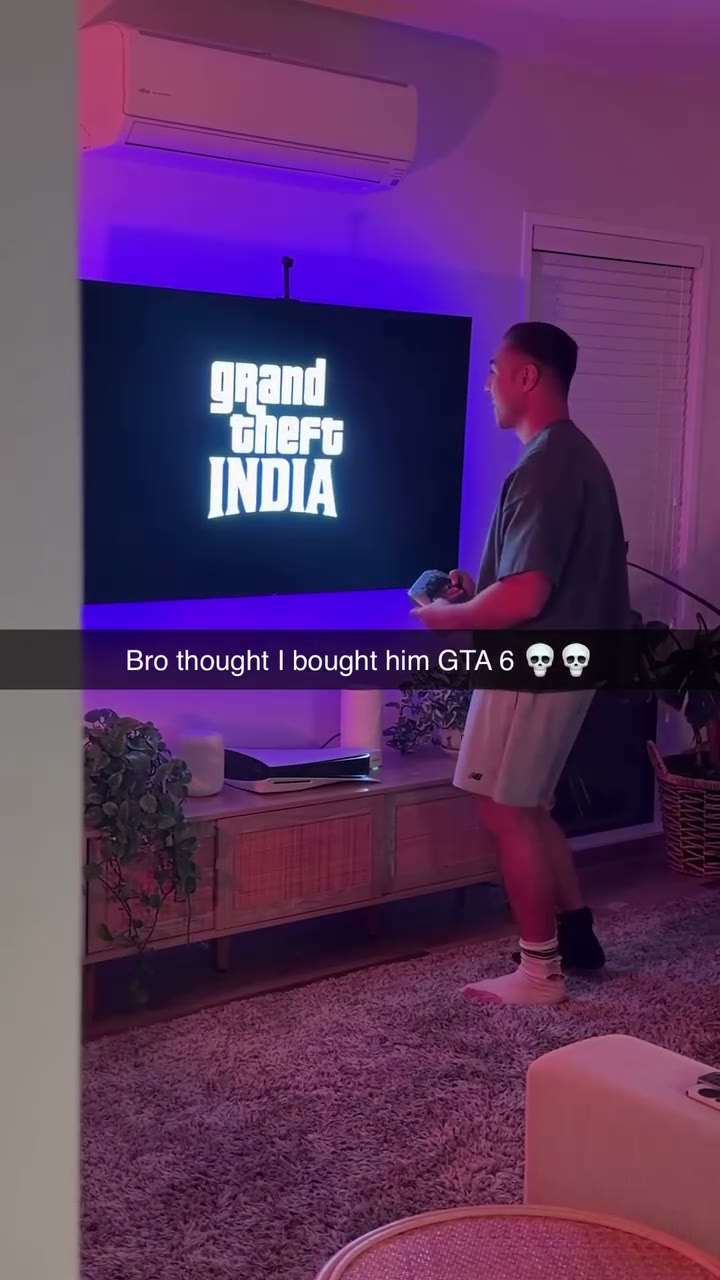
Preview Grand Theft India AI Video and review the settings before generating.
STEP 1
Play the reference and choose the version that fits your idea.
STEP 2
Upload the required photo for the displayed role and review any optional image.
STEP 3
Check the credit estimate, generate from your account, and inspect the finished video and sound.
Frames show the prepared reference; results vary.
For Grand Theft India AI Video, use a clear photo of the person who will react next to the television. People or graphics appearing on the television remain part of the screen; they are not additional portrait roles.
For Grand Theft India AI Video, watch the turn and the final television contact. Check the person’s face and hands as the shot progresses and look for changes in the screen and surrounding room.
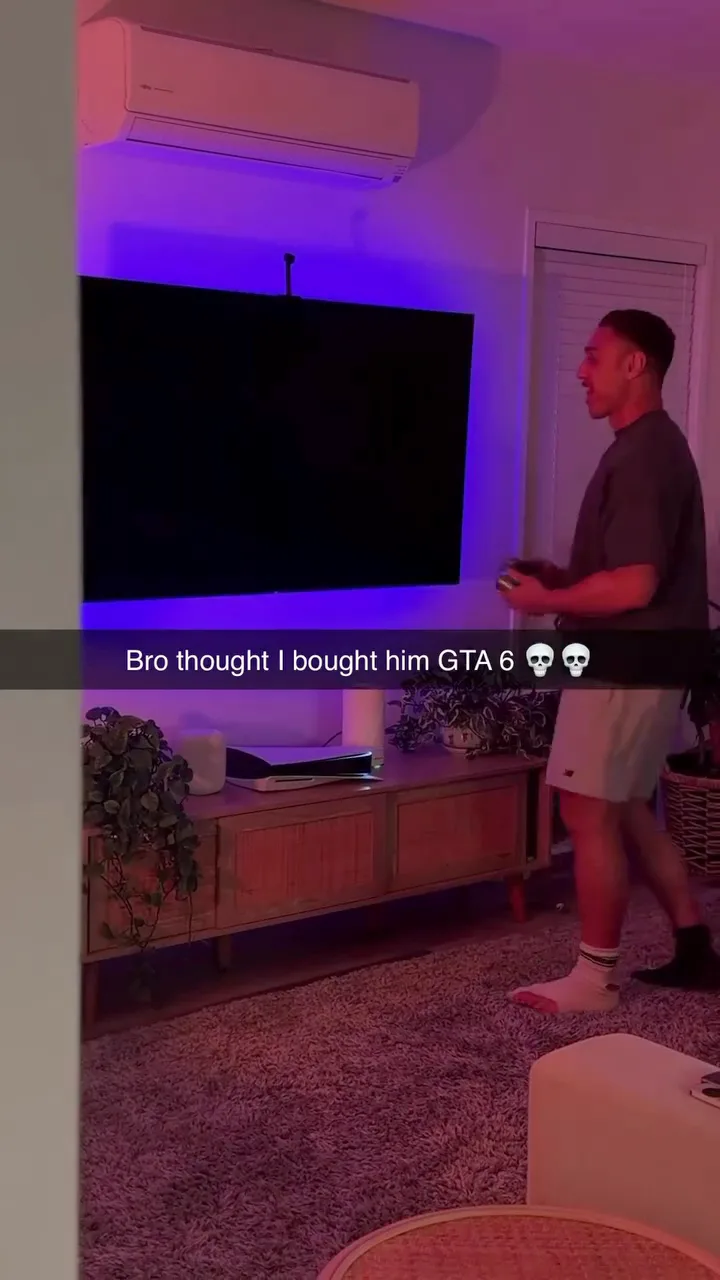
In Grand Theft India AI Video, the action, camera and television sequence follow the fixed reference. The page does not provide separate controls for the screen, room or background graphics.
Answers about this prepared scene.
Grand Theft India AI is a prepared living-room reaction and prank beside a television. The reference includes a turn, screen changes and a final movement toward the television. Your uploaded portrait guides the person in the room. Preview Grand Theft India AI from the initial reaction to the end so you understand the existing camera, caption and action before choosing a photo.
The Grand Theft India AI photo role is for the person beside the television. Any people or graphics appearing on the screen remain part of the reference and do not receive separate uploads. Choose a clear image of one person for the role. A group image does not create multiple slots in Grand Theft India AI, and the generated face or outfit may vary as the subject turns.
For Grand Theft India AI, use a photo with a recognizable face, hair and visible clothing. Even light and an unobstructed upper body provide useful context for a character who turns near the television. Avoid an extreme close crop if it hides the clothing entirely. Watch Grand Theft India AI after generating to see whether the subject remains recognizable during the turn and the last part of the action.
The television image, screen changes and existing caption belong to the Grand Theft India AI reference. This page does not provide a separate screen replacement or text editor. Generated small details may also change. If a particular message must be legible, inspect the Grand Theft India AI video at its intended size and consider an appropriate editing workflow after creation, subject to your rights and the available tools.
In Grand Theft India AI, pay attention to the subject’s turn, hand position and contact near the television. Moving limbs and overlapping objects can become inconsistent, especially when the camera or light changes. Compare the whole result with the preview rather than relying on a still. A clearer image or another Grand Theft India AI attempt may change the outcome, and each additional generation can require credits.
Grand Theft India AI follows the prepared room, camera and order of actions; there are no separate location or timing controls for this template. If you want another reaction or setting, browse the wider trend collection or use a compatible model with your own reference media. Choose Grand Theft India AI when the television prank shown in the preview is the specific scene you want to personalize.
Check the Grand Theft India AI form for the available model, selected duration and estimated credits. Play the prepared preview before choosing, since a shorter reference may contain fewer parts of the reaction. A new attempt can have a different result and may consume more credits. Compare Grand Theft India AI versions by the story moments included, the final movement and the overall quality, rather than length alone.
Grand Theft India AI is an independent fan-inspired video workflow and is not affiliated with Rockstar Games or the owners of Grand Theft Auto. It generates a video from a prepared reference and a photo; it does not provide a playable game. Before sharing a Grand Theft India AI result, inspect the person, screen and audio, and use images and sound you have permission to share.
Sign in to the account used for generation and open My creations. The reference player does not show your personal result.
Put your portrait into a living-room game-reaction prank.