
Prepare the right photo
For GTA 6 Car Wash AI Video, add one clear image for the person washing the vehicle. A second car photo is optional: leave it empty to keep the reference car, or add one to guide the car’s shape and color.
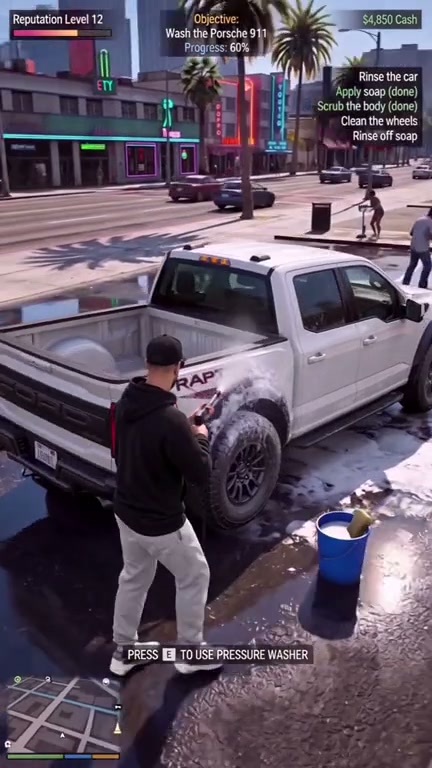
Put a person into a game-style car wash and optionally guide the vehicle’s appearance.
In GTA 6 Car Wash AI Video, the reference follows a third-person car wash with pressure washing, foam, wheel cleaning and a wet street. The camera movement and existing game-style interface are part of the prepared footage.
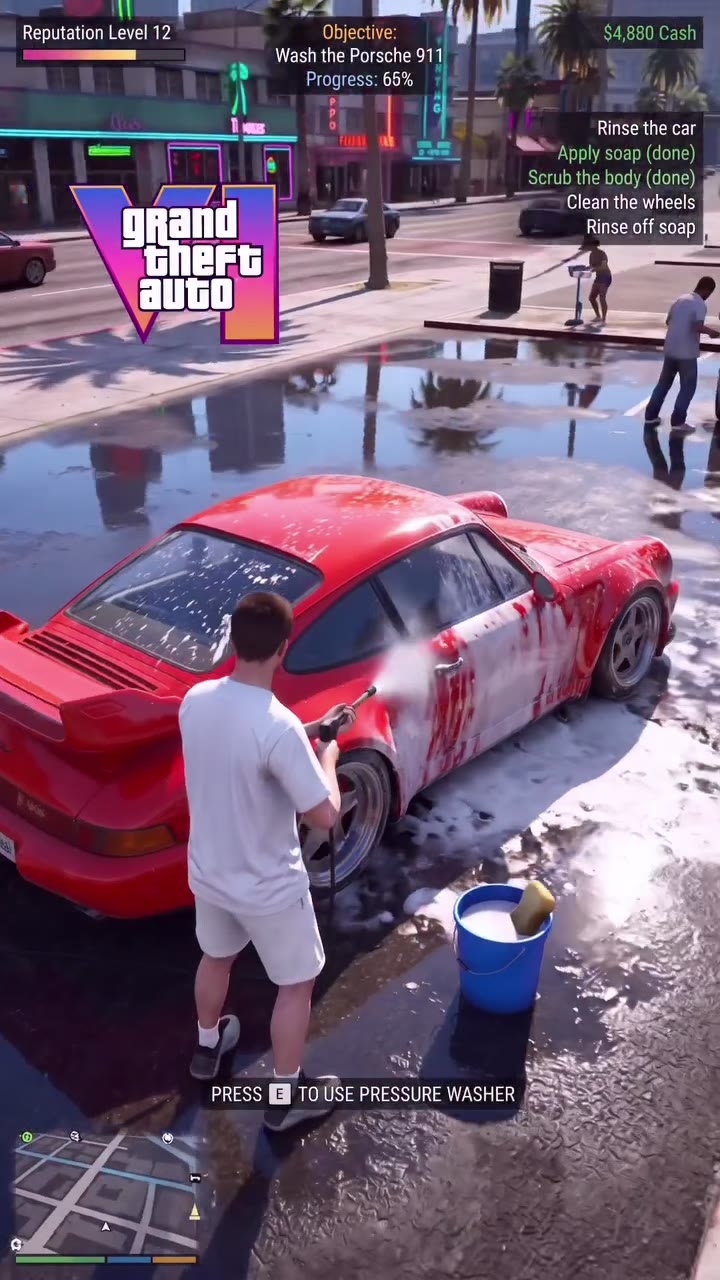
Preview GTA 6 Car Wash AI Video and review the settings before generating.
STEP 1
Play the reference and choose the version that fits your idea.
STEP 2
Upload the required photo for the displayed role and review any optional image.
STEP 3
Check the credit estimate, generate from your account, and inspect the finished video and sound.
Community-made examples and reference frames; results vary.
For GTA 6 Car Wash AI Video, add one clear image for the person washing the vehicle. A second car photo is optional: leave it empty to keep the reference car, or add one to guide the car’s shape and color.
For GTA 6 Car Wash AI Video, watch the body, hands, cleaning tool and vehicle throughout the scene. A single clear angle of the car helps convey its shape, though small details and interface text can still vary.
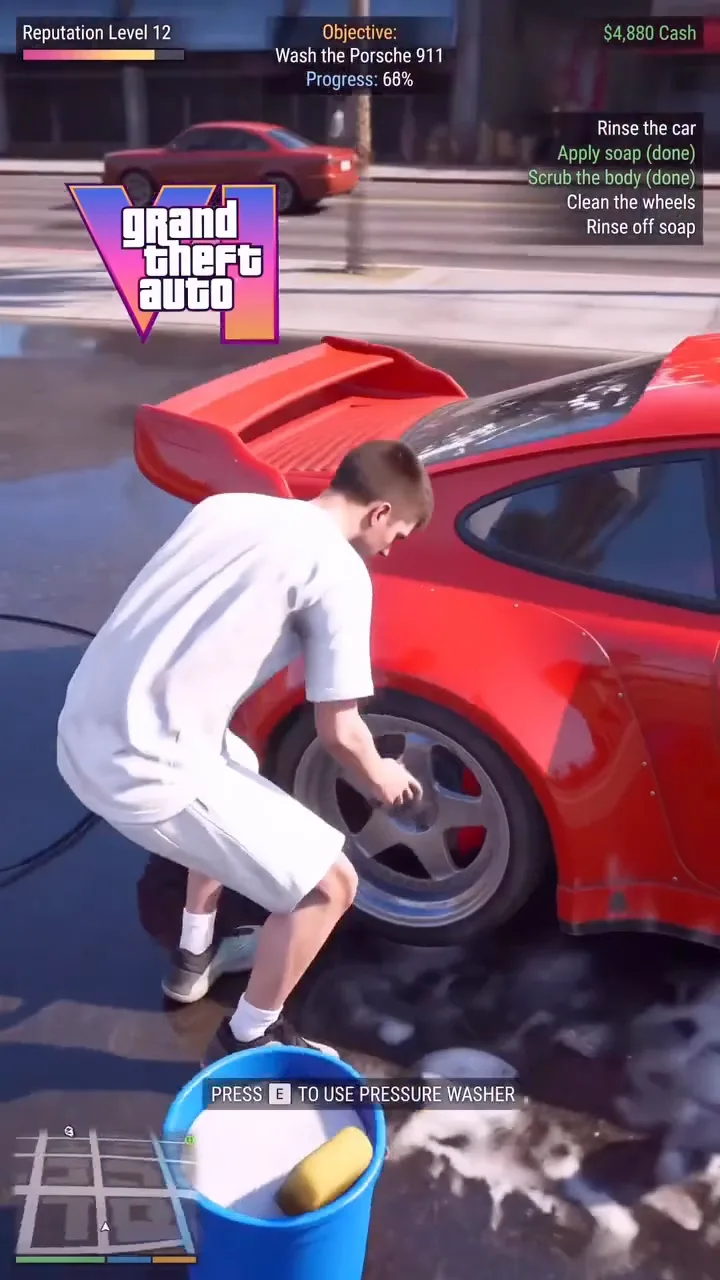
In GTA 6 Car Wash AI Video, the scene is a prepared AI video reference, not a playable game or official game footage. The optional vehicle image guides its appearance without guaranteeing an exact match.
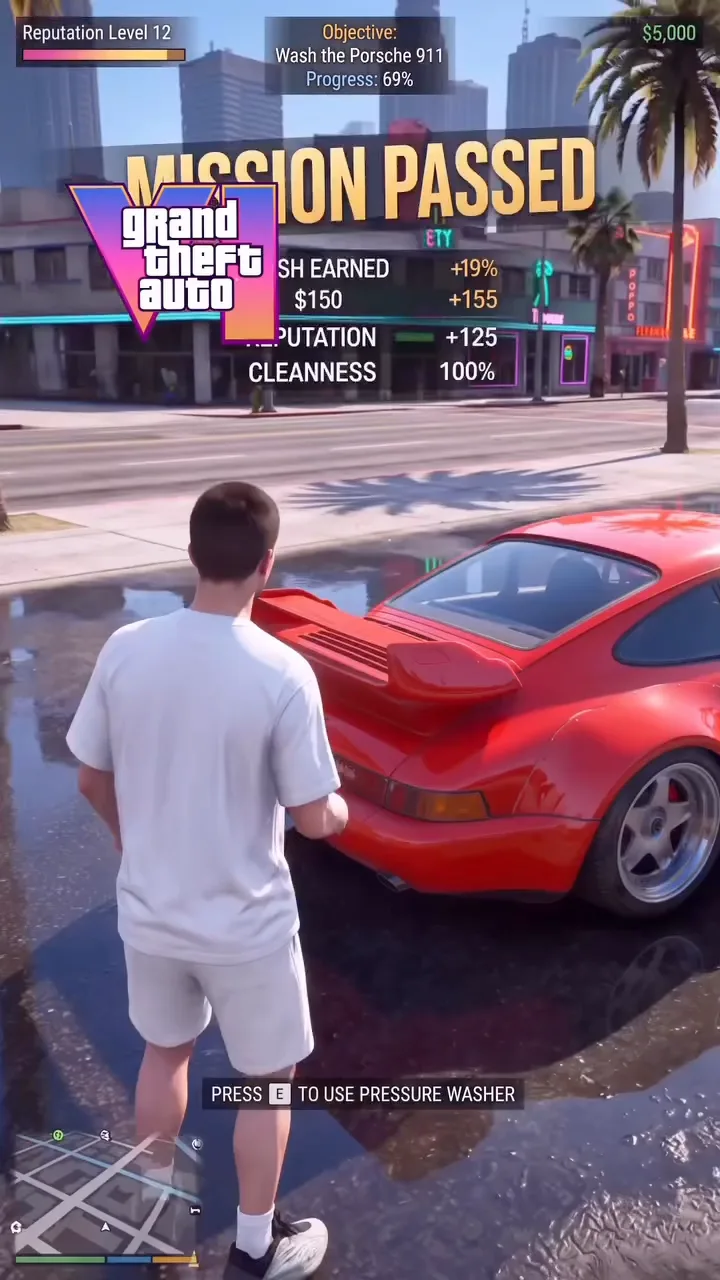
Answers about this prepared scene.
GTA 6 Car Wash AI uses a prepared third-person scene with a vehicle, pressure washing, foam, wheel cleaning and a wet street. The action and camera follow the reference; the resulting video is an AI interpretation. Preview GTA 6 Car Wash AI through the full wash to see when the person and vehicle are visible and whether the game-style presentation fits the idea you want to make.
GTA 6 Car Wash AI requires a photo for the person washing the vehicle. It also offers an optional separate car image to guide the vehicle’s appearance. Label the roles according to the form and add the required person first. If you omit the optional car, the reference car is the intended vehicle. Neither image guarantees that GTA 6 Car Wash AI will reproduce every detail exactly.
For GTA 6 Car Wash AI, use a clear image in which the face, hair and clothing are visible. The scene includes body movement around a vehicle, so a wider crop can communicate more of the outfit than a face-only photo. Avoid a crowded background or objects obscuring the person. After generation, watch GTA 6 Car Wash AI for continuity as the character moves and handles the cleaning equipment.
Choose a well-lit view that clearly shows the shape and color you want the GTA 6 Car Wash AI result to follow. Avoid heavy reflections, obstructions and several cars in the same frame when possible. The car slot guides the vehicle rather than providing a precise 3D model. Inspect GTA 6 Car Wash AI for changes to wheels, body panels and small markings as the camera angle and foam change.
Yes. In GTA 6 Car Wash AI, leave the optional car role empty when you want the scene to use the reference vehicle as its starting point. You still need the required person photo. The output is generated, so color, shape and other details can vary. If you later add a car photo, compare the full GTA 6 Car Wash AI sequence to see how the model interpreted the second input.
The GTA 6 Car Wash AI preview includes a game-style interface as part of the prepared scene. Small text, symbols and interface elements can change or become unclear in a generated video. There is no separate interface editor on this page. If readable instructions or a precise brand mark are important, inspect the completed GTA 6 Car Wash AI clip at its final display size before deciding how to use it.
Watch the person’s hands, cleaning tool and car from the start to the final wet-street view in GTA 6 Car Wash AI. Foam and spray may briefly obscure edges, and the vehicle can change when the camera moves. Compare the required person role and the optional car reference with the result. A clearer input or another GTA 6 Car Wash AI attempt may give a different outcome and can require additional credits.
GTA 6 Car Wash AI creates a fan-inspired video from a prepared scene and your selected images. It does not let you drive the vehicle or operate a game. The service is independent of Rockstar Games and the owners of Grand Theft Auto. Before sharing a GTA 6 Car Wash AI result, review the portrait and car images you uploaded, the soundtrack and the destination’s requirements.
Sign in to the account used for generation and open My creations. The reference player does not show your personal result.
Put a person into a game-style car wash and optionally guide the vehicle’s appearance.