
Prepare the right photo
For Goodbye GTA 5 Highway AI, choose one clear photo of the person who will drive. Keep the face, hair and some clothing visible so the subject can be recognized as the camera changes angles.
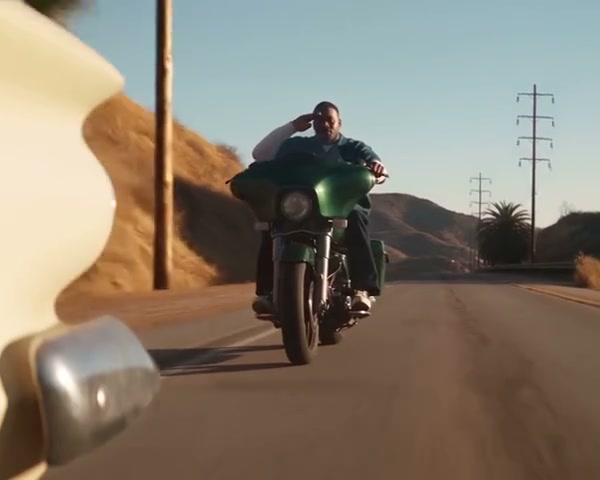
Take the driver’s seat in a sunset highway farewell with a single portrait.
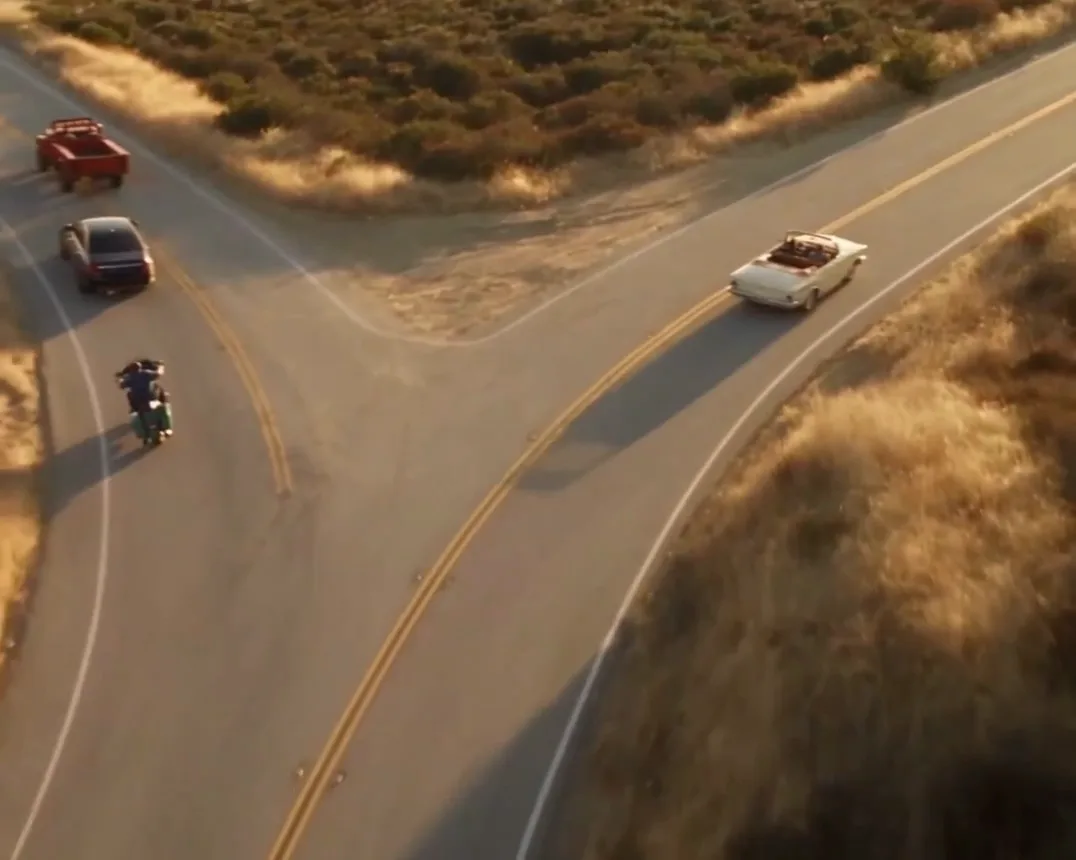
In Goodbye GTA 5 Highway AI, the prepared reference follows a white convertible on a sunset road. The driver waves to other road users as the viewpoint changes. Your photo guides the driver while the other people, vehicles and road remain part of the reference.
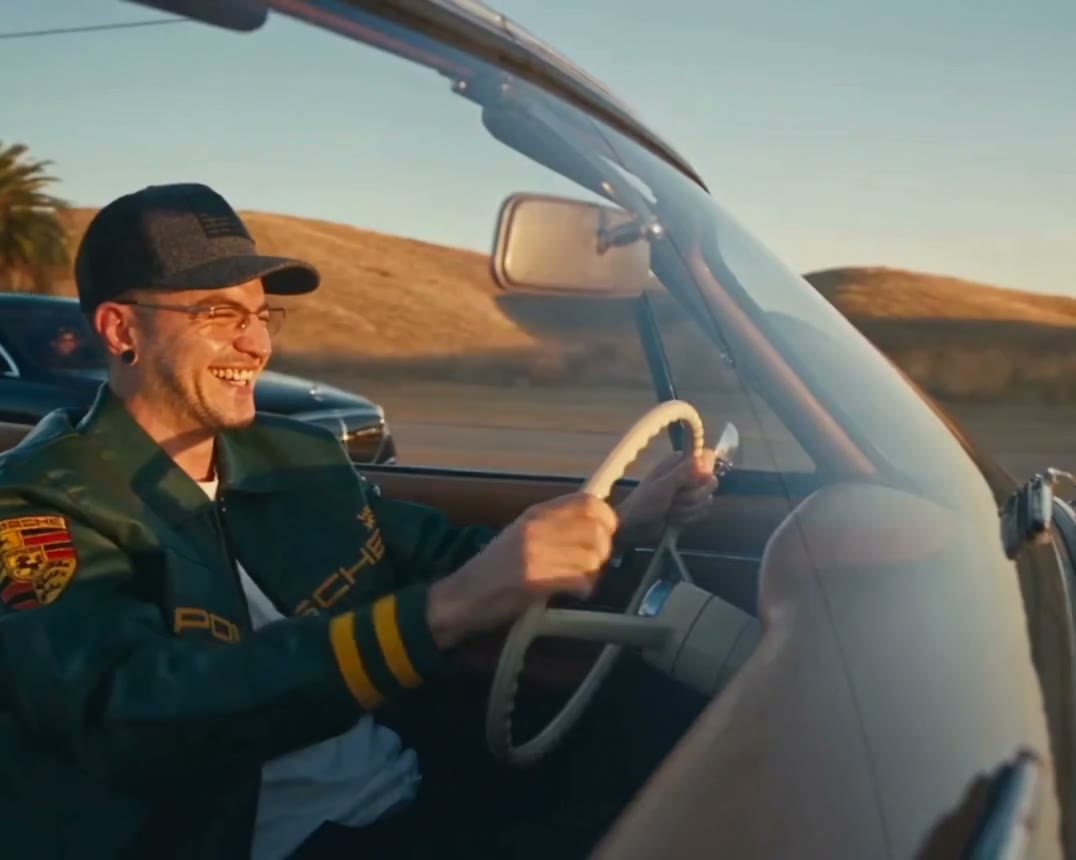
Preview Goodbye GTA 5 Highway AI and review the settings before generating.
STEP 1
Play the reference and choose the version that fits your idea.
STEP 2
Upload the required photo for the displayed role and review any optional image.
STEP 3
Check the credit estimate, generate from your account, and inspect the finished video and sound.
Community-made examples and reference frames; results vary.
For Goodbye GTA 5 Highway AI, choose one clear photo of the person who will drive. Keep the face, hair and some clothing visible so the subject can be recognized as the camera changes angles.
For Goodbye GTA 5 Highway AI, check the driver in close and wider views, especially during the wave and camera cuts. Watch the cars, hands and road through the end of the selected reference.

In Goodbye GTA 5 Highway AI, the road, supporting riders and shot sequence come from a prepared reference. Economy and Standard use the opening section; Original includes the longer drive. The video and soundtrack rights have not been independently verified.
Answers about this prepared scene.
Goodbye GTA 5 Highway AI follows a white convertible along a sunset highway, with passing riders and drivers sharing a farewell. Your portrait guides the driver as the camera cuts between views. Play the Goodbye GTA 5 Highway AI reference before choosing a mode so you know which part of the drive it includes. The road, supporting people, gestures and camera sequence come from the prepared clip.
Your Goodbye GTA 5 Highway AI photo guides the person driving the white convertible. Surrounding traffic and the motorcyclist belong to the reference and have no separate photo slots. Choose a single person with a visible face, hair and upper-body clothing. A crowded group shot can make the intended driver harder to identify.
For Goodbye GTA 5 Highway AI, pick an evenly lit image with an unobstructed face. A head-and-shoulders or upper-body portrait gives the model more information about the person and clothing than a very tight crop. The driver appears from several camera angles, so inspect the result during turns and wider views. A clear photo helps guide Goodbye GTA 5 Highway AI but does not guarantee exact facial or clothing continuity.
Economy and Standard use an approximately 15-second opening selection from the Goodbye GTA 5 Highway AI reference. Original uses the longer, approximately 26.5-second source, including the later departure. Preview the selected version and check the displayed estimate before generating. If the final drive matters to your idea, choose the longer Goodbye GTA 5 Highway AI reference; a shorter selection cannot include a scene outside its source.
The cars, other riders and their positions are already in the Goodbye GTA 5 Highway AI reference. The form offers one required driver photo, without independent vehicle or passenger slots. If your idea needs a different route, car or cast, explore another prepared scene or use a compatible general video model with your own supported inputs. Goodbye GTA 5 Highway AI keeps this particular farewell as its visual starting point.
Watch the full Goodbye GTA 5 Highway AI result, checking the driver’s face and clothing whenever the viewpoint changes. Look at the waving hand, the steering wheel and the edges of the vehicle as other traffic passes. These moving details can vary from the reference or change between frames. If you try another portrait or regenerate Goodbye GTA 5 Highway AI, compare the whole clip and check the new credit estimate first.
Goodbye GTA 5 Highway AI uses a prepared reference with audio. The generation flow attempts to restore the reference sound after the video is created; audio restoration and the final result can vary. Listen to the entire exported clip, including transitions and the ending of the chosen mode. Rights for the Goodbye GTA 5 Highway AI reference and soundtrack have not been independently verified, so check the permissions needed for your intended use.
Goodbye GTA 5 Highway AI is an independent, fan-inspired video workflow. It creates a personalized clip from a prepared reference and a portrait; you cannot steer the car or interact with the road. The service is not affiliated with Rockstar Games or the owners of Grand Theft Auto. Describe a Goodbye GTA 5 Highway AI result accurately when sharing, and avoid presenting it as official gameplay or an endorsed release.
The Goodbye GTA 5 Highway AI form shows the available mode and estimated credits before submission. Select a mode, add the required portrait and review that estimate in your account before generating. A new attempt is another generation and may use additional credits. Save time by checking the reference length and subject framing first; the Goodbye GTA 5 Highway AI preview illustrates the source and does not show your own completed result.
Sign in to the account used for generation and open My creations. The reference player does not show your personal result.
Take the driver’s seat in a sunset highway farewell with a single portrait.