Create a video

Required photos1
Settings
Mode
Video length30s
Resolution

GTA 5 Airport Goodbye AI

Use a portrait to personalize a farewell that continues from an airport to a flight.

0:00 / —:—

What happens in GTA 5 Airport Goodbye AI?

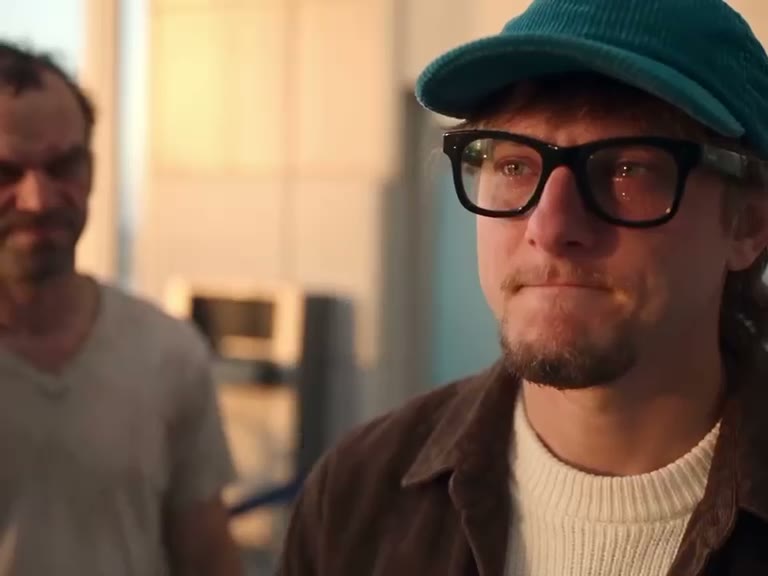
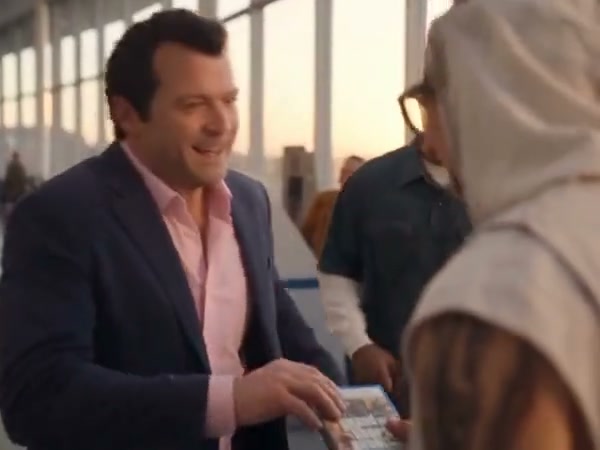
In GTA 5 Airport Goodbye AI, the prepared sequence follows a traveler through a greeting, an embrace and departure. Three companions, a dog, game cases and aircraft belong to the reference footage. One role is guided by the uploaded photo.

Prepared reference for GTA 5 Airport Goodbye AI

Create a GTA 5 Airport Goodbye AI

Preview GTA 5 Airport Goodbye AI and review the settings before generating.

  1. STEP 1

    Preview the scene

    Play the reference and choose the version that fits your idea.

  2. STEP 2

    Add a photo

    Upload the required photo for the displayed role and review any optional image.

  3. STEP 3

    Generate and review

    Check the credit estimate, generate from your account, and inspect the finished video and sound.

Preview GTA 5 Airport Goodbye AI

Community-made examples and reference frames; results vary.

Prepare the right photo

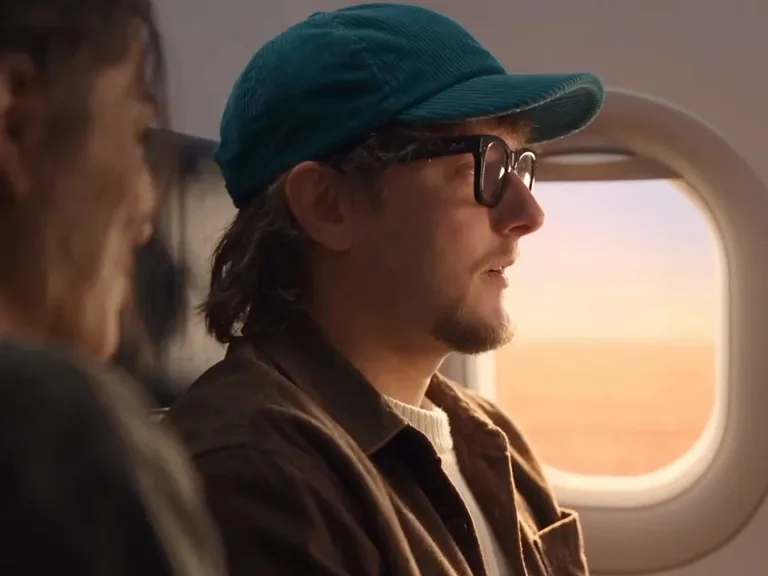
For GTA 5 Airport Goodbye AI, use a single-person portrait with the face unobstructed. The reference traveler’s cap and glasses identify the original role; your photo guides whether similar accessories appear in the personalized result.
Prepare the right photo

Review the complete result

For GTA 5 Airport Goodbye AI, inspect the embrace as well as the later airplane views. Hands, facial details and objects can change across cuts, so the first frame alone is not enough to judge the result.

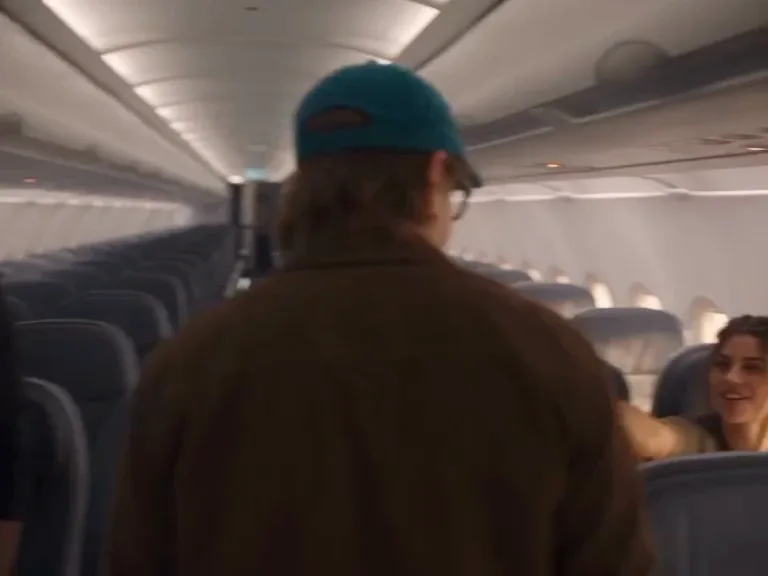
The traveler walks down the airplane aisle

Understand the template

In GTA 5 Airport Goodbye AI, the airport sequence follows a fixed reference. The other people, dog, game cases and plane do not have independent replacement slots.

The traveler sits beside the airplane window

GTA 5 Airport Goodbye AI FAQ

Answers about this prepared scene.

What does GTA 5 Airport Goodbye AI show?

GTA 5 Airport Goodbye AI follows a traveler through an airport greeting, an embrace and a departure involving a flight. The prepared sequence also includes companions, a dog and game-related props. Watch GTA 5 Airport Goodbye AI through the airplane shots before creating, so you can see both the farewell and the later change in setting. Your portrait guides one traveler within that existing sequence.

Which portrait works for GTA 5 Airport Goodbye AI?

Choose a clear, well-lit image of a single person for GTA 5 Airport Goodbye AI. A visible face, hair and some clothing give the model useful information for both the greeting and the later close-up. Avoid a face hidden by a hand or a crowded image in which the subject is ambiguous. The traveler in the GTA 5 Airport Goodbye AI reference wears accessories; a generated result may interpret them differently.

Can I personalize the dog or the companions?

GTA 5 Airport Goodbye AI has one traveler photo role. The dog and the other people are part of the reference footage and have no individual photo controls on this page. Use a portrait that clearly identifies the traveler you intend to personalize. To compare other casts or actions, visit the broader trend collection; uploading multiple portraits here will not turn GTA 5 Airport Goodbye AI into a multi-role scene.

How should I compare the airport and flight scenes?

The greeting, embrace and aircraft views place different demands on the same portrait. For GTA 5 Airport Goodbye AI, review the traveler’s face at each change of camera and check the hands where people overlap. The aircraft and companions follow the reference rather than your upload. A result that looks convincing in the opening may change later, so play the whole GTA 5 Airport Goodbye AI clip before deciding whether to keep it.

Does GTA 5 Airport Goodbye AI change the airport?

The location, plane and story timing in GTA 5 Airport Goodbye AI come from the prepared reference. There are no separate controls to pick a different airport, flight or background dog. Your input is used for the labeled person. If a custom location matters more than this specific farewell, choose a compatible free video mode and provide your own supported reference instead of expecting GTA 5 Airport Goodbye AI to edit the setting.

What can I do if the embrace looks unclear?

In GTA 5 Airport Goodbye AI the subjects overlap during the embrace, which can make hands, sleeves or facial boundaries inconsistent. Start with a photo where the traveler’s face and clothing are easy to distinguish, then inspect the whole interaction. A different portrait or another generation may produce a different result and can cost additional credits. The GTA 5 Airport Goodbye AI reference establishes the embrace; it does not guarantee exact hand placement.

How do the duration and credit settings work?

The GTA 5 Airport Goodbye AI form displays the available reference modes and the current estimate. Check what each selection shows before submitting: a shorter reference may emphasize a different part of the farewell. Costs can change with model and settings, and a new attempt can use more credits. Previewing GTA 5 Airport Goodbye AI helps you choose the intended story, while the form is the authority for the current estimate.

Is the GTA 5 Airport Goodbye AI result official footage?

GTA 5 Airport Goodbye AI is an independent fan-inspired creation workflow and is not affiliated with Rockstar Games or its owners. The preview is a prepared reference, while your result is generated from your selected inputs. Before posting a GTA 5 Airport Goodbye AI video, review the person’s permission, the soundtrack and the rules of the destination. Generated faces, props and on-screen details may differ from the reference.

Where is my result?

Sign in to the account used for generation and open My creations. The reference player does not show your personal result.

Create GTA 5 Airport Goodbye AI

Use a portrait to personalize a farewell that continues from an airport to a flight.

gta 5 airport goodbye ai