
Prepare the right photo
For GTA 5 Thank You for 13 Years AI, upload one clear current portrait. The service first prepares an imagined childhood portrait and uses both the adult and younger appearances to guide the respective parts of the video.
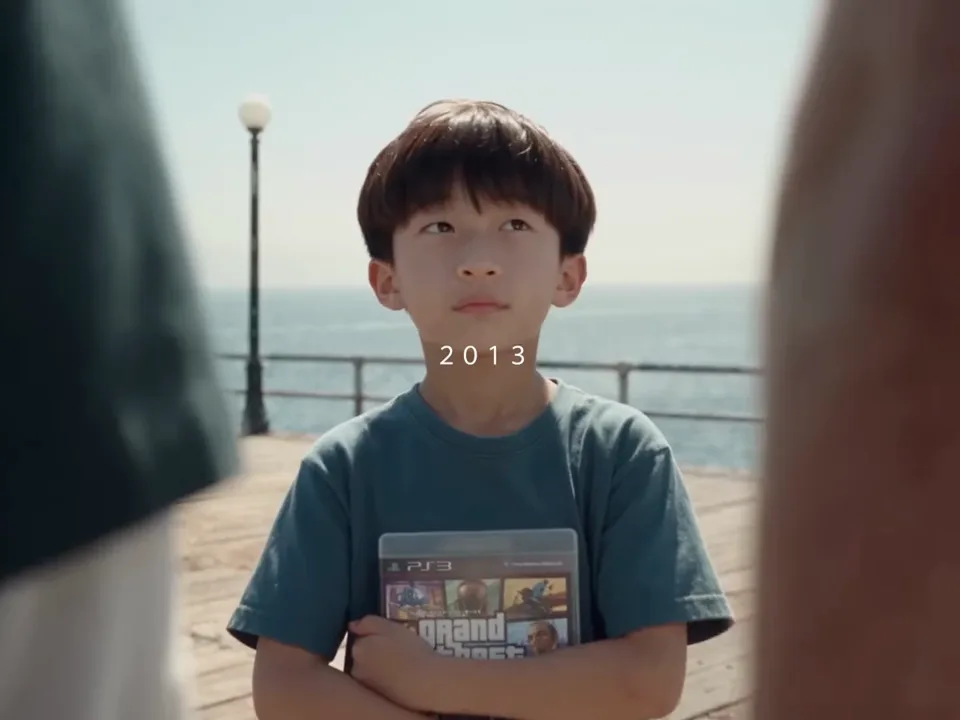
Create a fan-inspired farewell that imagines the same traveler in two different years.
In GTA 5 Thank You for 13 Years AI, the reference begins with a younger traveler and later returns to the same setting with an adult traveler. Three companions and the year labels are part of the prepared footage.
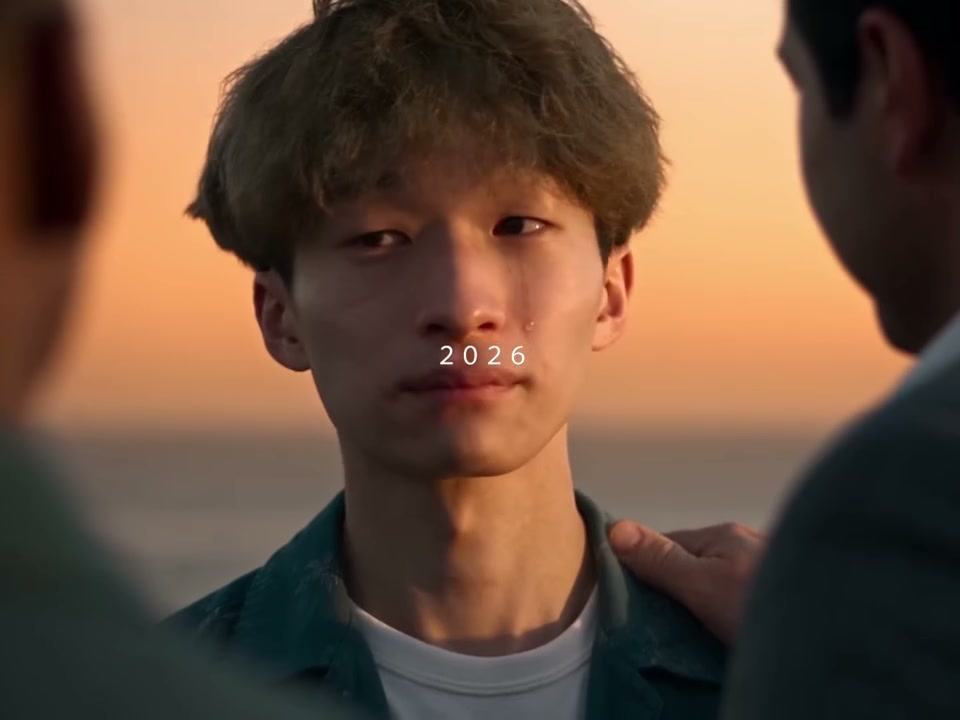
Preview GTA 5 Thank You for 13 Years AI and review the settings before generating.
STEP 1
Play the reference and choose the version that fits your idea.
STEP 2
Upload the required photo for the displayed role and review any optional image.
STEP 3
Check the credit estimate, generate from your account, and inspect the finished video and sound.
Frames show the prepared reference; results vary.
For GTA 5 Thank You for 13 Years AI, upload one clear current portrait. The service first prepares an imagined childhood portrait and uses both the adult and younger appearances to guide the respective parts of the video.
For GTA 5 Thank You for 13 Years AI, check that the two appearances remain recognizable through their respective scenes. The childhood image is imagined, so it should not be treated as a reconstruction of an actual childhood photograph.
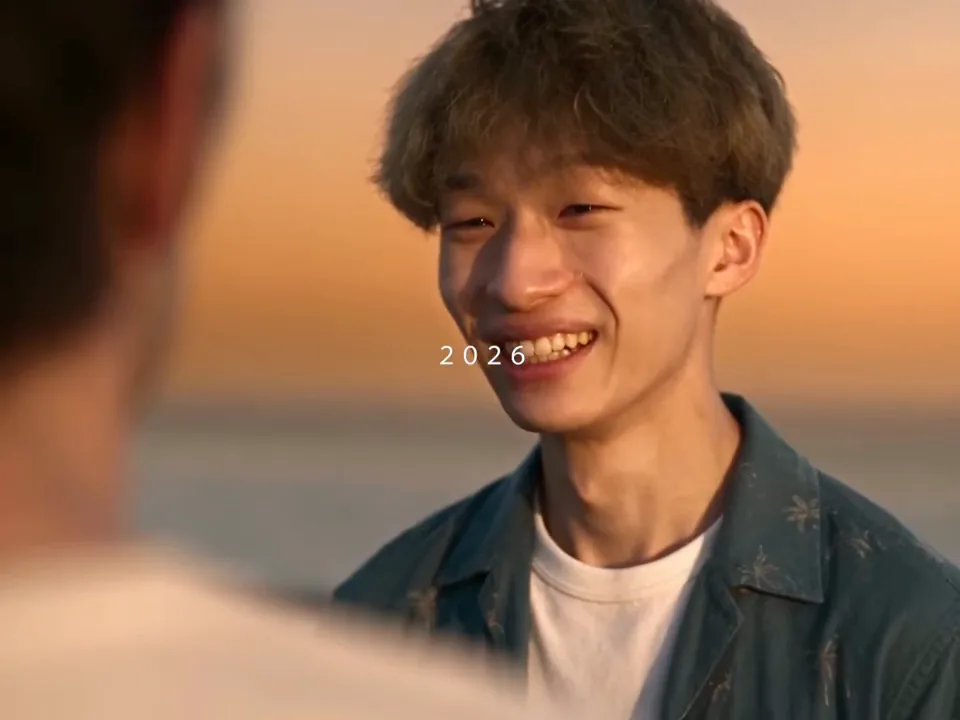
In GTA 5 Thank You for 13 Years AI, the years, companions and story beats follow the prepared scene. There is no age slider or separate childhood photo input. Small text and details can change in the finished video.
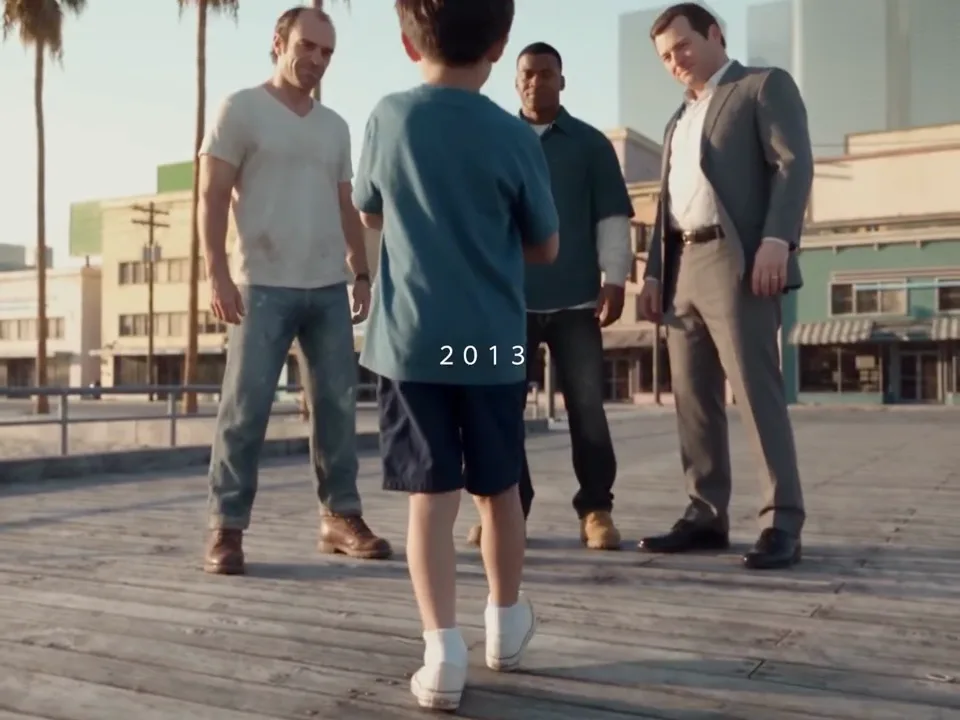
Answers about this prepared scene.
GTA 5 Thank You for 13 Years AI uses one current portrait to guide a two-era farewell. The service first prepares an imagined childhood portrait, then uses the younger and current appearances in the prepared video sequence. The reference includes the year labels and supporting companions. Watch GTA 5 Thank You for 13 Years AI from its early scene through the later return to see how the story moves between eras.
GTA 5 Thank You for 13 Years AI asks for one current photo; it does not have a separate childhood upload. The younger portrait is generated as an interpretation of that photo. It may differ from how the person actually looked in childhood. Choose a clear, unobstructed current image for GTA 5 Thank You for 13 Years AI and treat the younger appearance as an imagined character, not historical evidence.
For GTA 5 Thank You for 13 Years AI, choose a single-person image with clear facial features, visible hair and even lighting. Avoid a distant group, deep shadows across the face or accessories that conceal most features. The same source informs both the adult appearance and the imagined younger reference. Review how GTA 5 Thank You for 13 Years AI handles each era; the model may preserve some features while changing others.
The prepared Economy, Standard and Original references for GTA 5 Thank You for 13 Years AI run for approximately 12, 20 and 30 seconds and include both years. Shorter versions use fewer shots. Select a mode and preview the associated reference to decide whether its pacing fits your idea. The GTA 5 Thank You for 13 Years AI form shows the selected length and credit estimate before you submit.
The GTA 5 Thank You for 13 Years AI template does not expose an age slider or an editor for the year labels. Its story, timing and supporting characters follow the prepared reference. The younger appearance is an AI interpretation and is not a faithful age reconstruction. Check the GTA 5 Thank You for 13 Years AI result for small text changes and visual continuity rather than assuming every label and detail will be reproduced exactly.
Review GTA 5 Thank You for 13 Years AI in both eras, paying attention to whether the face remains recognizable within each sequence. Compare hair, clothes, hands and the transition between years. The younger reference is imagined, so a mismatch with an actual childhood photograph is possible. If the adult portrait is unclear, try a better-lit source and review a new GTA 5 Thank You for 13 Years AI result; additional attempts may require credits.
GTA 5 Thank You for 13 Years AI uses an imagined younger portrait as an additional reference for the video stage. This preparation is part of the registered workflow and can affect the total estimated credits. The workspace displays the current amount for the selected mode before submission. If preparation or video generation fails, consult the task status in your account; the preview itself is not a completed GTA 5 Thank You for 13 Years AI result.
Only upload a portrait you have permission to use for GTA 5 Thank You for 13 Years AI, especially when it depicts someone else. Explain that the younger image is imagined if you share the result as a personal memory. Review the complete video and any soundtrack before publishing. GTA 5 Thank You for 13 Years AI is an independent fan-inspired workflow and is not an official product of the game publisher.
Sign in to the account used for generation and open My creations. The reference player does not show your personal result.
Create a fan-inspired farewell that imagines the same traveler in two different years.