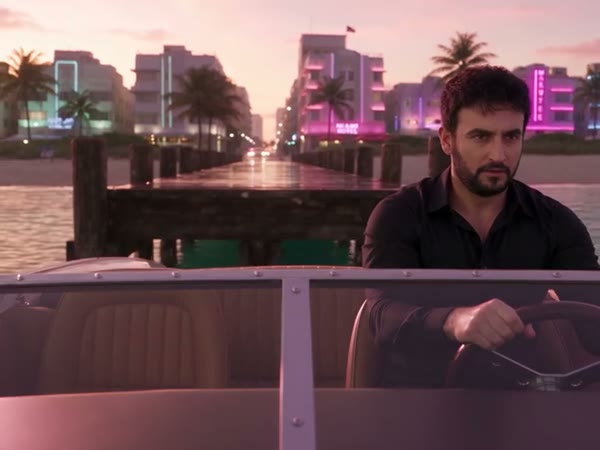
Create a video

Required photos1
Settings
Mode
Video length15s
Resolution

GTA 6 Boat Getaway AI

Cast a driver in a GTA 6 Boat Getaway AI escape from a red car to a waiting boat.

0:00 / —:—

GTA 6 Boat Getaway AI video ideas

Explore examples of this effect. Open a video for a closer look.

What is GTA 6 Boat Getaway AI?

In GTA 6 Boat Getaway AI, the prepared sequence follows two people leaving a red car and racing along a dock toward a boat. A driver is already at the boat, and the one uploaded portrait guides that driver. The dock, vessel, other people and camera sequence are part of the reference. GTA 6 Boat Getaway AI produces a fictional AI interpretation of this scene, rather than a controllable game or a route chosen on a map.

Prepared reference for GTA 6 Boat Getaway AI

How to create GTA 6 Boat Getaway AI

Preview GTA 6 Boat Getaway AI and review the settings before generating.

  1. STEP 1

    Watch the getaway

    See how the runners reach the dock and boat in the prepared scene.

  2. STEP 2

    Assign the driver

    Upload one clear image for the person operating the boat.

  3. STEP 3

    Generate your scene

    Check the selected mode and estimate, then review the complete result.

Preview GTA 6 Boat Getaway AI

See GTA 6 Boat Getaway AI from different perspectives before creating your own driver scene.

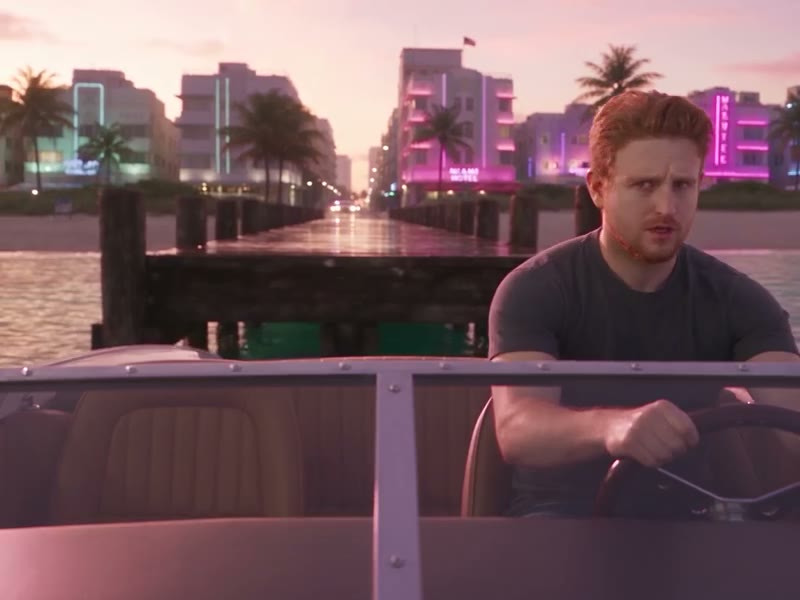
Cast the person steering the boat

For GTA 6 Boat Getaway AI, choose one clear portrait of the person you want at the boat controls. A visible face, hair and some clothing provide cues for both close and wider views. The runners do not have independent photo fields, so a group image cannot assign them separate identities. If the driver is partly obscured in a shot or the perspective changes, the model must infer missing details and the appearance can vary.
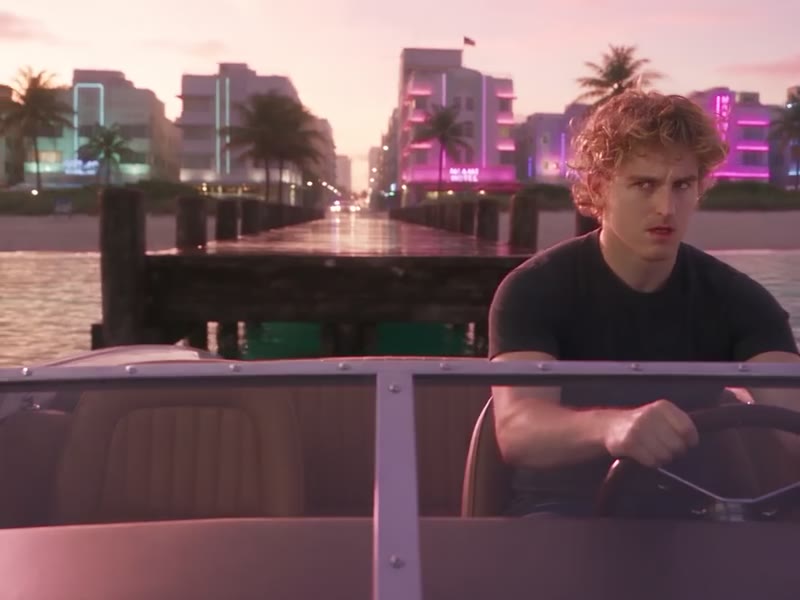
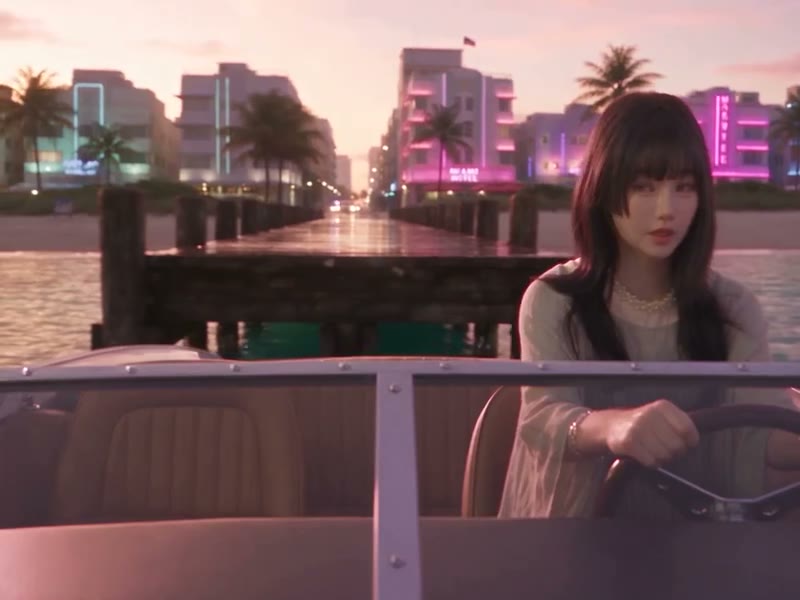
Cast the person steering the boat

Follow the dockside escape

For GTA 6 Boat Getaway AI, follow the full trip from the car to the water and inspect the driver whenever the viewpoint changes. Pay attention to people and objects where they overlap, the hands around the boat and the edges of the dock. Fast action can produce shifts in faces, clothing or props. A clear still photo helps communicate the desired identity but does not lock every frame to that image.

Follow the dockside escape

Select the reference for your getaway

In GTA 6 Boat Getaway AI, original uses the complete source of just over 15 seconds; Economy and Standard use an approximately 14.9-second selection. Watch the selected preview and verify the rounded duration and credit estimate in the workspace. This page has no separate inputs for the runners, the boat or the location. Source audio is restored on a best-effort basis after visual generation, so check the finished file and the permissions needed for your intended use.

Select the reference for your getaway

GTA 6 Boat Getaway AI FAQ

Answers about this prepared scene.

Who is the photo for?

The required portrait in GTA 6 Boat Getaway AI guides the boat driver. The two people running down the dock do not have separate photo fields.

Do I need my own boat image?

No. The boat and dock belong to the prepared reference. Upload one authorized portrait for the driver and review the scene before creating.

Can I change the other people?

Their movement and positions follow the source. There are no independent runner slots, and their appearance can still change during generation.

How long is the getaway?

The complete source is slightly over 15 seconds. The shorter modes use approximately 14.9 seconds; the form shows the chosen rounded duration and estimate.

Can I change the route or car?

The red car, dock, boat and shot sequence are part of the fixed reference. This page does not offer a separate route or vehicle picker.

Is GTA 6 Boat Getaway AI playable?

It generates an independent fan-inspired video, with no game controls. It is not an official or endorsed game experience.

What should I review in the result?

Check the driver across the close and wider shots, then watch the runners and the boat where characters overlap. Hands and fine details can shift.

How is the soundtrack handled?

The workflow attempts to restore the reference audio after creating the visuals. Listen to the final file and confirm the rights needed for sharing.

What portrait helps GTA 6 Boat Getaway AI?

Choose a single person with a clear face and visible hair for GTA 6 Boat Getaway AI. Including upper-body clothing can help in wider views. The photo does not need to show a boat, because the reference supplies the vessel and surroundings.

How should I check the GTA 6 Boat Getaway AI driver?

Watch GTA 6 Boat Getaway AI once from start to finish, then compare the driver in the close and distant views. Check facial features and clothing as people approach and board; overlaps and rapid movement can change details.

Can GTA 6 Boat Getaway AI be part of a longer edit?

A completed GTA 6 Boat Getaway AI clip can be arranged with other media in an external editor if you have the necessary rights. Preview the actual beginning and ending first, since the selected reference determines which action is available.

Does GTA 6 Boat Getaway AI charge for another try?

Another GTA 6 Boat Getaway AI submission is a separate generation and can use additional credits. Review the current amount in the form before submitting. Watching the prepared preview helps you choose an appropriate scene and mode first.

Where is my result?

Sign in to the account used for generation and open My creations. The reference player does not show your personal result.

Create GTA 6 Boat Getaway AI

Pick a portrait for the boat driver and preview the escape.

GTA 6 Boat Getaway AI